
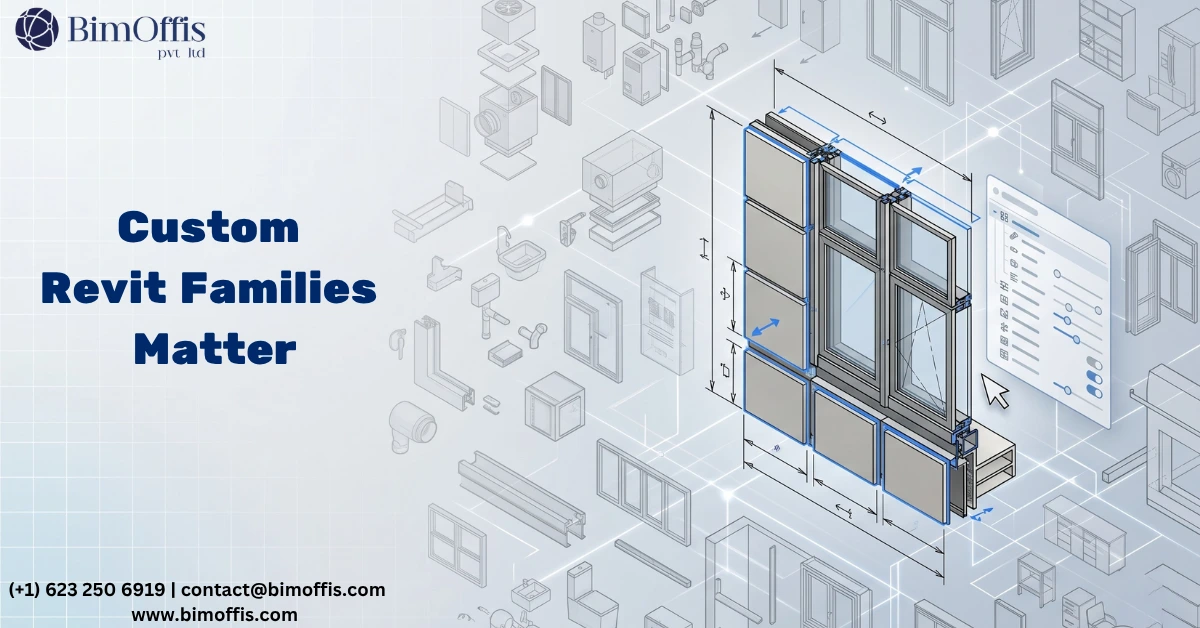
Why Revit Family Creation Services Matter More Than Most Teams Realize
One thing took me a while to fully appreciate when I started working seriously in Revit:
The model is only as good as the families inside it.
You can have perfectly configured levels and grids, clean view templates, and a coordination process that runs on schedule. But poorly built families can still damage the entire workflow. Wrong categories, missing parameters, and unstable geometry create problems throughout the project lifecycle.
Schedules start pulling incorrect data. Drawings require manual corrections before issue. Coordination misses clashes that properly built families would have detected automatically.
That is why Revit family creation services matter far more than many project teams realize. They are not a nice addition to BIM workflows. They are the foundation that supports everything else in the model.
What Revit Family Creation Services Actually Cover
Family creation is not a single task. It includes several areas of work that change depending on the project type, the building systems involved, and the way each family must perform in a live project environment.
At the most basic level, family creation means building parametric 3D objects that represent real building components. These include doors, windows, structural columns, MEP equipment, furniture, and specialist systems.
However, the real value goes beyond geometry.
A properly built Revit family also includes:
Correct parameters
Accurate data structure
Proper visibility settings
Reliable behavior in schedules and views
Stable parametric controls
In practice, Revit family creation services usually include several categories of content.
Architectural Families
Architectural families include doors, windows, curtain wall systems, ceiling components, and custom architectural features that standard Revit libraries cannot accurately represent.
Structural Families
Structural families cover columns, beams, braces, connections, and foundation components built around the actual structural system used on the project.
MEP Families
MEP families include mechanical equipment, electrical panels, plumbing fixtures, duct fittings, and connector-based components that support proper system coordination.
Furniture and Equipment Families
These families represent manufacturer-specific products that require accurate dimensions and realistic placement inside the model.
Annotation Families
Annotation families include title blocks, tags, symbols, and schedules designed around project documentation standards.
Each category requires different templates, different modeling strategies, and a different understanding of how the family should behave inside the project.
How Professional Revit Family Creation Works
It Starts With the Correct Template
Before anyone creates geometry, the template selection must be correct.
Revit provides different templates for different categories. Doors, windows, generic models, structural columns, and face-based components all behave differently because of their templates.
Choosing the wrong template creates long-term problems. The family may not schedule correctly, tag properly, or behave as expected in project views.
Experienced Revit family creation teams spend time making this decision before modeling begins.
Reference Planes Come Before Geometry
This step separates reliable families from unstable ones.
Reference planes create the invisible framework that controls the family. Every dimension and every geometry element should connect to those planes.
When the framework is correct, the family flexes properly as dimensions change. When the framework is weak, geometry starts breaking under project conditions.
After reference planes come parameters.
Type parameters control values shared across all instances of a family type, such as standard door widths or frame depths.
Instance parameters control values that vary between placed elements, such as offsets, materials, or installation adjustments.
Correct parameter structure turns a simple model object into a dependable project asset.
Geometry, Visibility, and Performance
Once the framework is complete, geometry creation begins.
Good family modeling reflects how elements are actually built and installed, not just how they appear in renderings.
Visibility settings are equally important.
These settings determine what appears at coarse, medium, and fine detail levels. Poor visibility management often causes bloated models and slow project performance.
Professional Revit family creation services optimize visibility carefully. They show detail only where it provides value for documentation or MEP coordination.
The final stage includes data integration and testing.
Families may contain:
Material parameters
Manufacturer data
Cost information
Performance specifications
Connector information for MEP systems
After setup, the family must be tested inside a real project environment. A family that works in isolation may still fail inside a live model with linked files, view templates, and active coordination workflows.
Why High-Quality Families Matter on Real Projects
Schedules Become Reliable
Families with correct parameters generate schedules automatically and accurately.
Door schedules, equipment lists, material takeoffs, and structural member schedules all pull directly from the model.
This saves significant time across large documentation packages while reducing manual checking and coordination errors.
Coordination Improves Dramatically
Families with accurate geometry and correct category assignments perform properly during clash detection and coordination reviews.
MEP components with proper connector data coordinate effectively inside federated models. Structural components generate meaningful clash results instead of false positives.
When families are built correctly, coordination teams spend less time filtering errors and more time solving actual project issues.
Model Performance Stays Stable
Heavy geometry and poor visibility settings slow down Revit models quickly.
As projects grow, poorly optimized families affect every team member working inside the file.
Professional family creation services build content that balances detail and performance. The result is a leaner, faster, and more stable model environment.
Revit Families Become Long-Term Assets
A properly built family is reusable.
Once created, the same family can support future projects without rebuilding content from scratch. Firms with strong family libraries move faster because they already have tested, standardized components ready for production.
That creates long-term value.
The first project funds the development effort. Every future project benefits from the same high-quality content at no additional cost.
Why Quality Varies Between Family Creation Services
Not all Revit family creation services follow the same standards.
Building families correctly requires:
Strong understanding of Revit’s parametric engine
Knowledge of real construction systems
Experience with BIM coordination workflows
Proper testing procedures
Discipline to prioritize quality over speed
Some teams rush the process. They skip reference planes, use incorrect templates, ignore visibility settings, and avoid proper testing.
The result may look acceptable in 3D views, but the underlying structure becomes unstable during production work.
When evaluating a Revit family creation service, ask to see families used inside live project environments rather than isolated test files.
Also ask:
How are parameters structured?
What testing process do they follow?
Have the families been used on real projects?
How do they optimize model performance?
These questions quickly reveal whether the team focuses on long-term quality or short-term speed.
The Bottom Line
Revit family creation services are not secondary to BIM workflows. They are central to whether those workflows succeed.
Properly built families improve scheduling, documentation, coordination, and model performance across the entire project lifecycle.
Those outcomes do not happen automatically because someone opened Revit. They happen because the families were built correctly from the start.
On real projects, the difference becomes obvious very quickly.
Once you work with properly built Revit families, it becomes difficult to accept anything less.
Ready to find out what your project will cost? Find out here. Contact us today to discuss your Revit family creation requirements.
Frequently Asked Questions from Clients
What are Revit family creation services?
Professional building of parametric Revit families, doors, windows, structural elements, MEP equipment, built correctly with the right parameters, data, and geometry for real project use.
Why does the template choice matter so much in family creation?
The wrong template means wrong scheduling, wrong tagging, and unpredictable behavior in views, problems that are surprisingly difficult to fix once the family is built.
What are reference planes and why do they matter?
They are the invisible framework everything anchors to, without them set up correctly, the family geometry breaks the moment someone changes a parameter.
What is the difference between type and instance parameters?
Type parameters change all elements of that family type at once, instance parameters change only the individual element you have selected.
How do properly built families improve model performance?
Correct visibility settings and lean geometry keep file sizes manageable; over-detailed families at every detail level quietly slow down every person working in the model.
Why are well-built Revit families considered reusable assets?
Build one correctly, and every future project that uses it gets the benefit for free; the investment pays back across every project that follows.







