
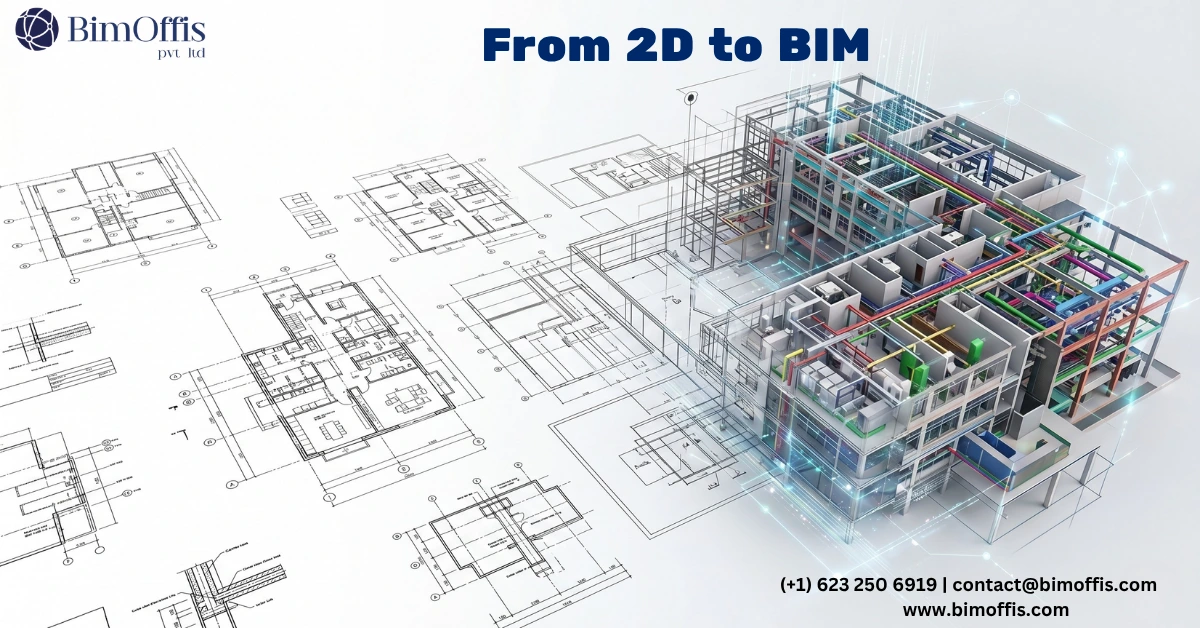
Here is something that sits in almost every architectural and engineering firm’s server and quietly causes problems on projects for years.
A folder of CAD drawings from old projects. Floor plans, sections, elevations, structural layouts, MEP drawings. Some from five years ago, some from fifteen. These drawings represent real buildings, buildings still standing, still occupied, and at some point needing renovation, extension, or serious maintenance.
Nobody wants to throw this data away. It represents real buildings and real work. But nobody can quite do what they need to with it either. The drawings are flat. They carry no intelligence. They cannot link into a modern BIM coordination environment. When a project comes along involving one of these existing buildings, the team faces a choice nobody enjoys. Design from drawings that may not reflect the building today, or start from scratch with a new survey.
CAD to BIM conversion is the third option. For firms working in CAD for years and needing to bring existing building data into modern digital workflows, it increasingly makes the most sense.
What CAD to BIM Conversion Actually Is
Before anything else, understanding what this process actually involves matters. A version of this process looks like the real thing and is not, and knowing the difference is important.
The Key Distinction Nobody Talks About
A CAD drawing is a collection of lines, arcs, and text in two-dimensional space. A BIM model, on the other hand, is a collection of intelligent objects, walls, floors, columns, doors, windows, MEP elements, that know what they are, where they sit, what they contain, and what data they carry.
Converting from one to the other is not a trace-over exercise. Outlining walls in Revit and calling it a BIM model produces a Revit file that looks like the CAD drawing in 3D. It behaves like it too, in every frustrating way. Real CAD to BIM conversion uses the CAD drawings as a reference and builds a proper model from that reference. Walls get modeled with correct layer structures. Doors and windows become proper families with the right parameters. Floors get correct build-ups. The model that comes out behaves correctly in every workflow it needs to support.
That distinction between tracing and modeling separates a conversion that solves the problem from one that creates a new version of it.
Why Firms Are Actually Doing This
Renovation Projects Need BIM-Ready Existing Conditions
This is the most common driver, and it is a practical one.
When a design team needs to deliver coordinated BIM documentation for a renovation or extension project, working from CAD drawings creates real problems. CAD drawings cannot link into a BIM environment the way a model can. They cannot participate in clash detection. They cannot serve as a spatial reference for MEP coordination reflecting the actual constraints of the existing building.
Converting existing CAD data to BIM before new design work starts gives the team an existing conditions model they can genuinely work from. New design work coordinates against it. The team runs clash detection across the full scope, new and existing, in a single BIM environment. That coordination quality is simply not achievable when existing conditions live in flat CAD drawings outside the BIM workflow.
Asset Management That Actually Works
Building owners and facilities managers increasingly need intelligent building data rather than static drawings. Energy monitoring, maintenance planning, space management, compliance tracking, all of these work significantly better when a building exists as a data-rich BIM model.
CAD to BIM conversion transforms a drawing archive into an active management tool. Room areas become queryable data rather than dimensions on a drawing. Equipment locations become database entries rather than symbols on a floor plan. Material specifications become model parameters feeding maintenance schedules rather than notes buried in drawing legends.
For organisations managing large building portfolios, that transformation compounds significantly. Each converted building becomes an asset supporting better operational decisions rather than a folder answering very limited questions.
Tender Requirements That CAD Cannot Meet
Many project tenders now require BIM deliverables as part of submission requirements. For firms working in CAD and responding to a BIM-required tender involving an existing building, CAD to BIM conversion often provides the fastest route to a compliant starting point.
Without that conversion, the firm either models the existing building from scratch during the tender response, which the tender timeline rarely allows, or submits a response that does not fully meet BIM requirements, weakening the competitive position considerably.
The Part That Most Guides Skip Over
Good CAD to BIM conversion starts with a question that most people do not ask clearly enough before work begins.
What does this model actually need to do?
Getting Clarity Before Work Starts
A model needed for space management has fundamentally different requirements from one needed for MEP retrofit coordination. A model supporting structural assessment needs different LOD decisions from one supporting architectural renovation documentation. Getting clarity on this before any conversion starts determines what gets modeled, at what level of detail, and with what data attached.
Conversion work done without that clarity tends to produce models that serve nobody particularly well. Over-detailed in areas where detail never gets used. Under-detailed in areas where it actually matters. Data structures that do not match the workflows the model needs to support.
Addressing CAD Drawing Accuracy Honestly
This is the conversation that needs to happen before modeling begins. CAD drawings of existing buildings often contain inaccuracies. Changes made during original construction that nobody updated in the drawing record. Modifications from previous renovation works that went undocumented. Dimensions that were approximate rather than measured.
Good CAD to BIM conversion practice flags these discrepancies rather than faithfully modeling them into the BIM model. The client needs to know where drawings may not match the real building. They can then decide whether site verification is needed before design proceeds. On projects where accuracy is critical, the conversion often combines with targeted survey or laser scanning to verify areas where drawing accuracy is genuinely in question.
What the Conversion Actually Delivers
The outputs of a well-executed CAD to BIM conversion go well beyond a model file.
Design teams get an existing conditions model they can genuinely use. They coordinate new design against it, run clash detection across the full scope, and produce BIM deliverables meeting project requirements. Working from a model rather than a drawing set changes the quality and confidence of every design decision that follows.
Facilities management teams get an intelligent building record supporting operational decisions including maintenance scheduling, space planning, compliance tracking, and energy performance monitoring. Not a static drawing archive. A live asset that the team can actually interrogate.
Project teams responding to BIM-required tenders get a credible starting point meeting project requirements rather than a legacy drawing set that falls short.
The Honest Bottom Line
CAD to BIM conversion is not about chasing technology trends. It is about turning static legacy data into something that serves the modern workflows building design, construction, and management depend on.
Done properly, it solves real problems. Design teams get better existing conditions information. Building owners get more useful asset data. Project teams get BIM-compliant starting points for work on existing buildings they cannot produce any other way.
The investment is real. So is the return. Unlike the folder of flat CAD drawings sitting on the server, a properly converted BIM model keeps delivering value on every project that touches that building for the rest of its life.
Ready to find out what your project will cost? Find out here.
Frequently Asked Questions from Clients
What is CAD to BIM conversion?
Taking existing CAD drawings and rebuilding them as intelligent, parametric BIM models that carry real data and support modern project workflows.
Is CAD to BIM just tracing old drawings in Revit?
No. Tracing produces geometry that looks right but behaves incorrectly. Real conversion builds proper BIM objects with correct parameters, layer structures, and data attached.
When does CAD to BIM conversion make the most sense?
When renovation work involves an existing building only in CAD, when owners need intelligent asset data, or when a tender requires BIM deliverables for an existing building.
What should be defined before conversion work starts?
What the model needs to do, which systems need modeling, what LOD is required, and what workflows the model needs to support. Vague scope always produces a model that serves nobody well.
What happens if the CAD drawings are inaccurate?
? Good conversion practice flags discrepancies rather than modeling them faithfully. The client then decides whether site verification or laser scanning is needed before design proceeds.
What does a well-executed conversion actually deliver?
An existing conditions model for coordination, an intelligent asset record for facilities management, and a BIM-compliant starting point for project teams that CAD drawings simply cannot provide.







