
Project Overview
Orchid Heights Renovation Work
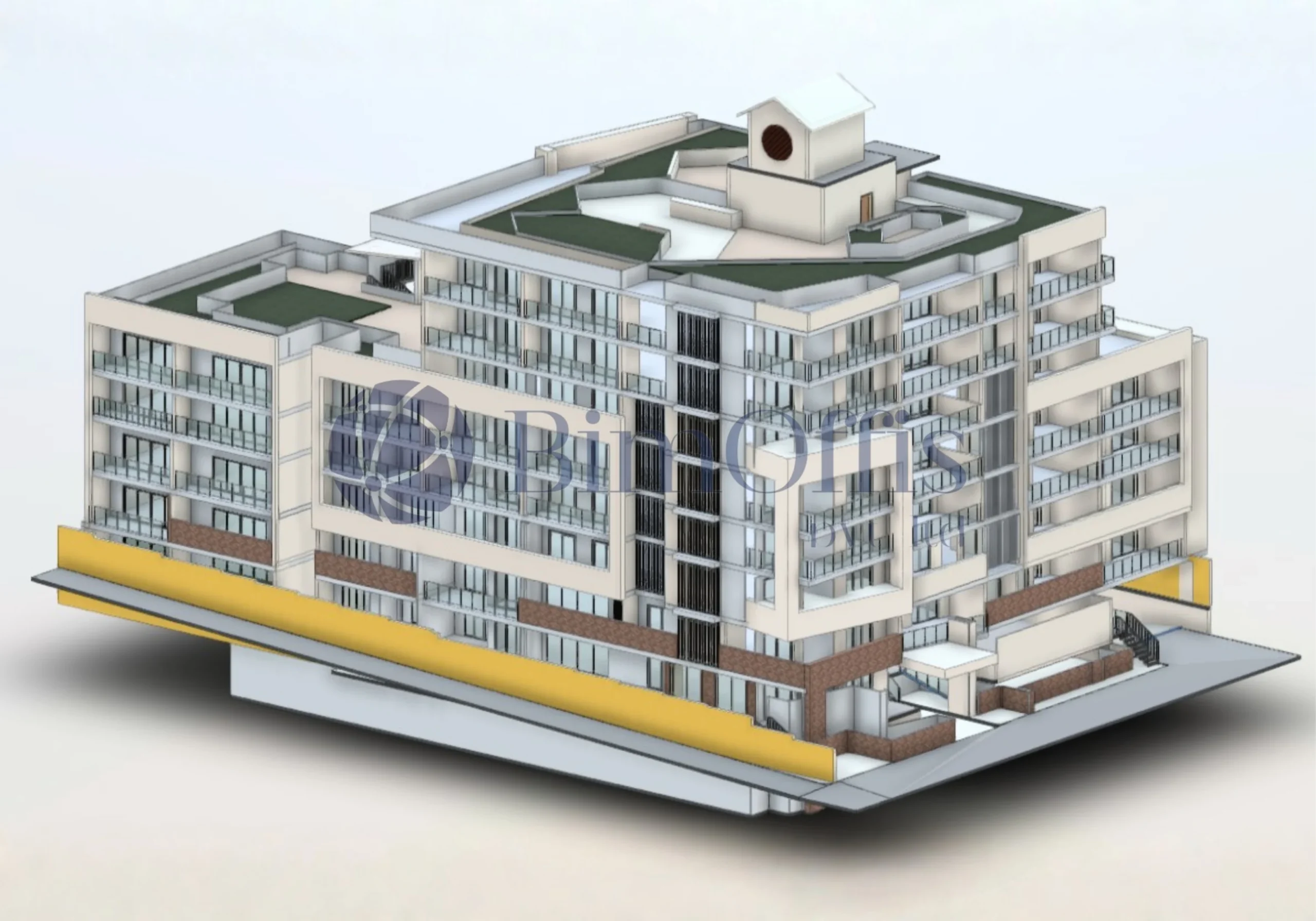
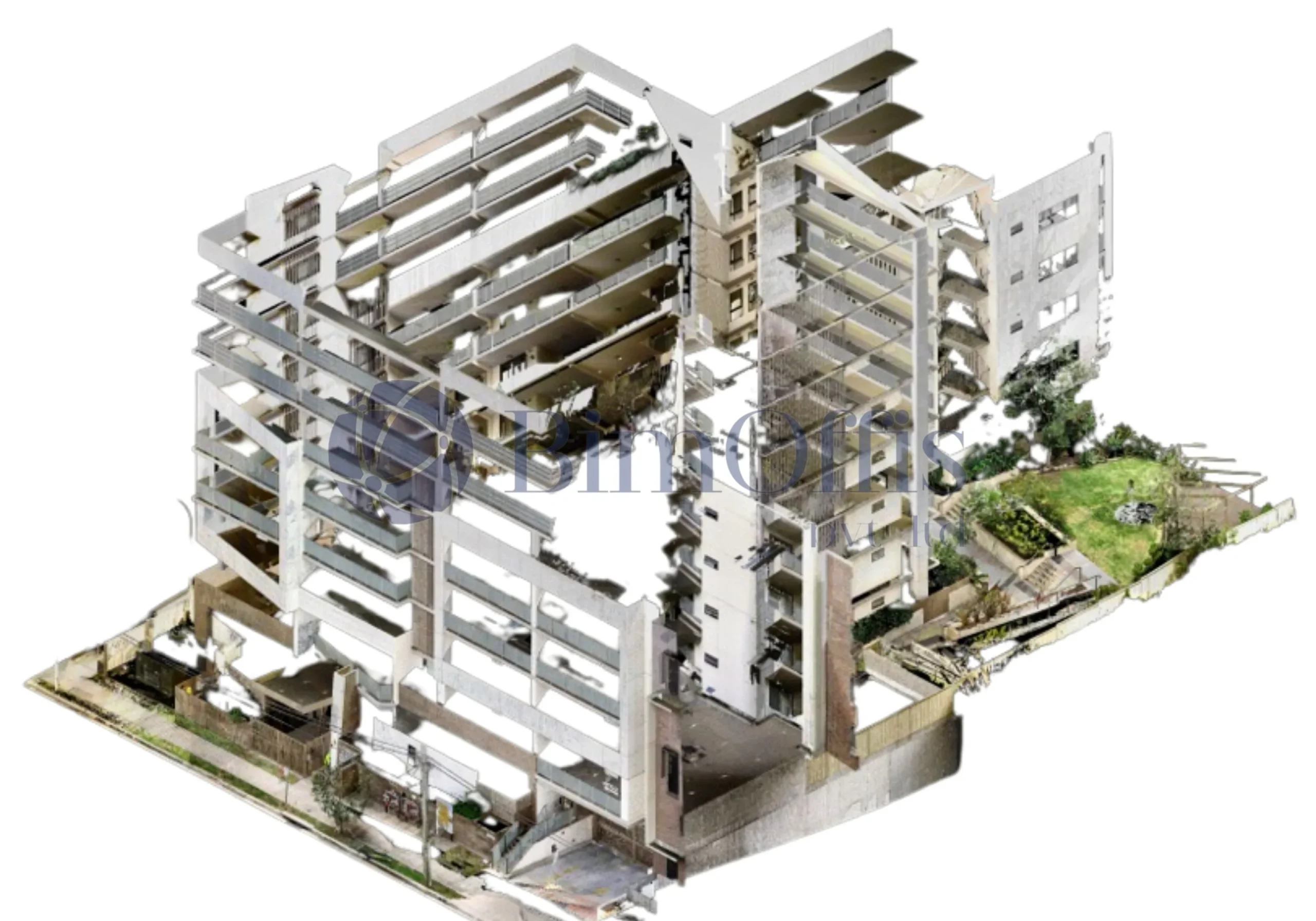
For the Orchid Heights project in Sydney, the client wanted to renovate the space but didn’t really have a clear understanding of the existing building. They had scan data, but on its own, it wasn’t that helpful for planning, so the idea was to turn it into something more usable.
Working on the Orchid Heights Model
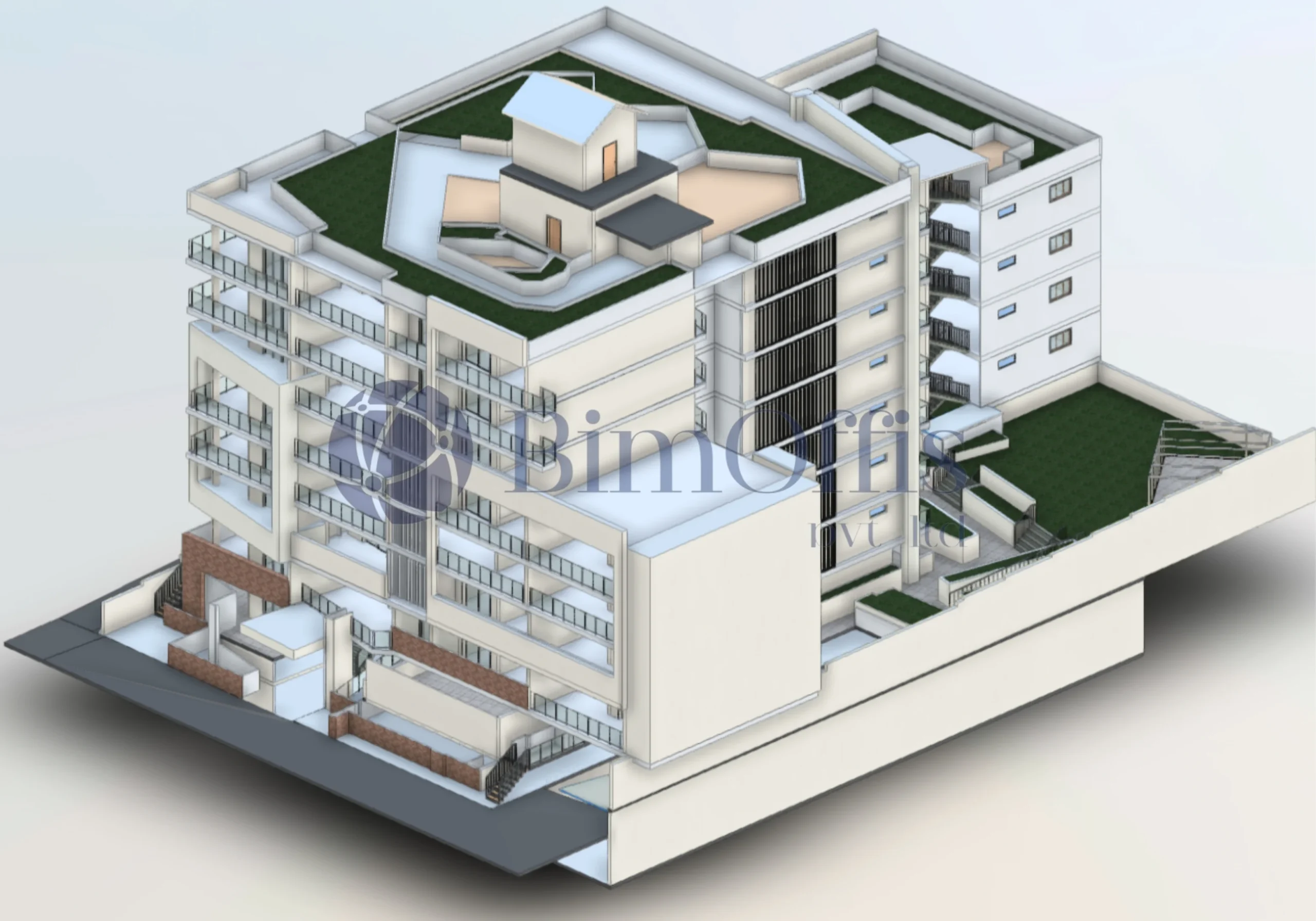
We took the point cloud data and built the model using Autodesk Revit. The focus was simple: match what’s actually on site and keep the model easy for the team to work with, without overcomplicating things.
Fixing Issues Along the Way
While building the model, we came across a few clashes and mismatches, which we cleaned up. This is where BIM really helps, especially when following general coordination practices supported by buildingSMART International.
Making the Orchid Heights Project Simpler
In the end, the model made planning much easier. The client could clearly understand the space, and the team had a solid base to move forward with the renovation without too much guesswork.
Scope of Work
SCAN -BIM
Total Area
1,14,120 Sq. Ft.
Services
Architecture, Structure
Softwares Used
AutoCAD, Revit, Autodesk Recap
Sector
Residential
Location
UK
Ready to Work with us?
We establish long-term business relationships with our clients and are
committed to complete customer satisfaction. We would love to know
about your next project.
Project Challenges
Absence of Existing Documentation
Developing an accurate BIM model without drawings required heavy reliance on laser scan data and careful interpretation to capture true geometry and building conditions.
Point Cloud Data Management
Handling large and dense point cloud files demanded optimized workflows to ensure modeling accuracy without compromising software performance.
Preserving Architectural Originality
Maintaining the building’s unique aesthetic while enabling renovation-driven changes required precise modeling and thoughtful design coordination.
High Accuracy Renovation Modeling
Renovation projects demanded exact representation of existing elements to avoid errors during modification and construction phases.
Interdisciplinary Clash Detection
Identifying and resolving clashes between architectural and system elements required systematic coordination using Navisworks.
Model Usability for Future Stages
Handling design revisions during documentation while maintaining drawing consistency and version control required structured workflows and close monitoring.
What We Delivered
- Accurate Scan-to-BIM based 3D Architectural model in Revit
- Digital twin representing existing geometry, materials, and systems
- Clash-free BIM model validated using Autodesk Navisworks
- Renovation-ready BIM output supporting maintenance and visualization