Project Overview
BIM Modeling for International Airport Project
For this International Airport project, the client came to us with architectural CAD drawings but needed a proper 3D model to make things easier to understand and present. The idea was to move beyond flat drawings and create something more practical for coordination and planning.
From CAD Drawings to a Clear 3D Model
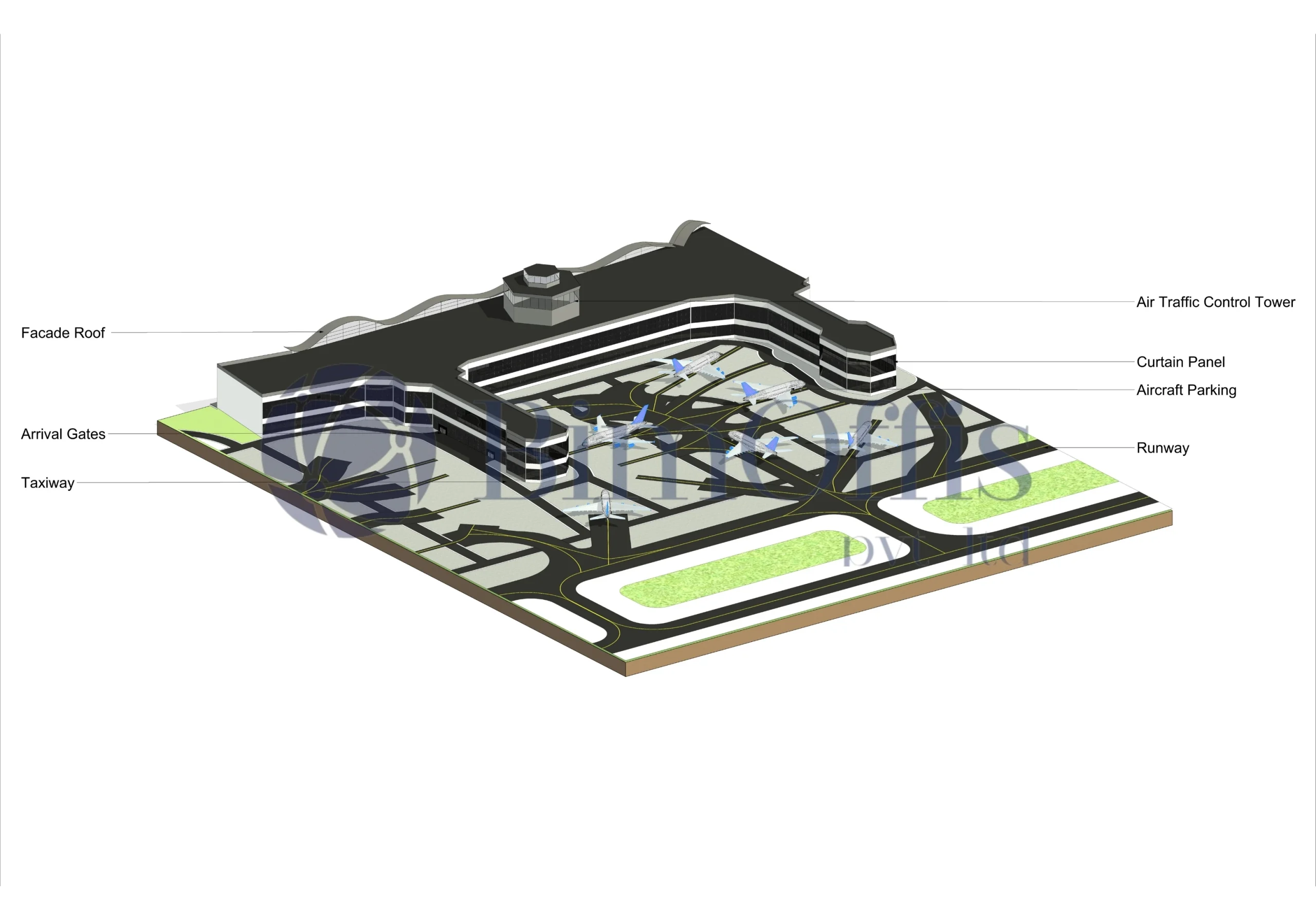
We developed an LOD 300 architectural BIM model using Autodesk Revit. The focus wasn’t just on modeling everything, but on keeping it clean and accurate so the team could actually use it without confusion.
Better Visuals for Better Decisions
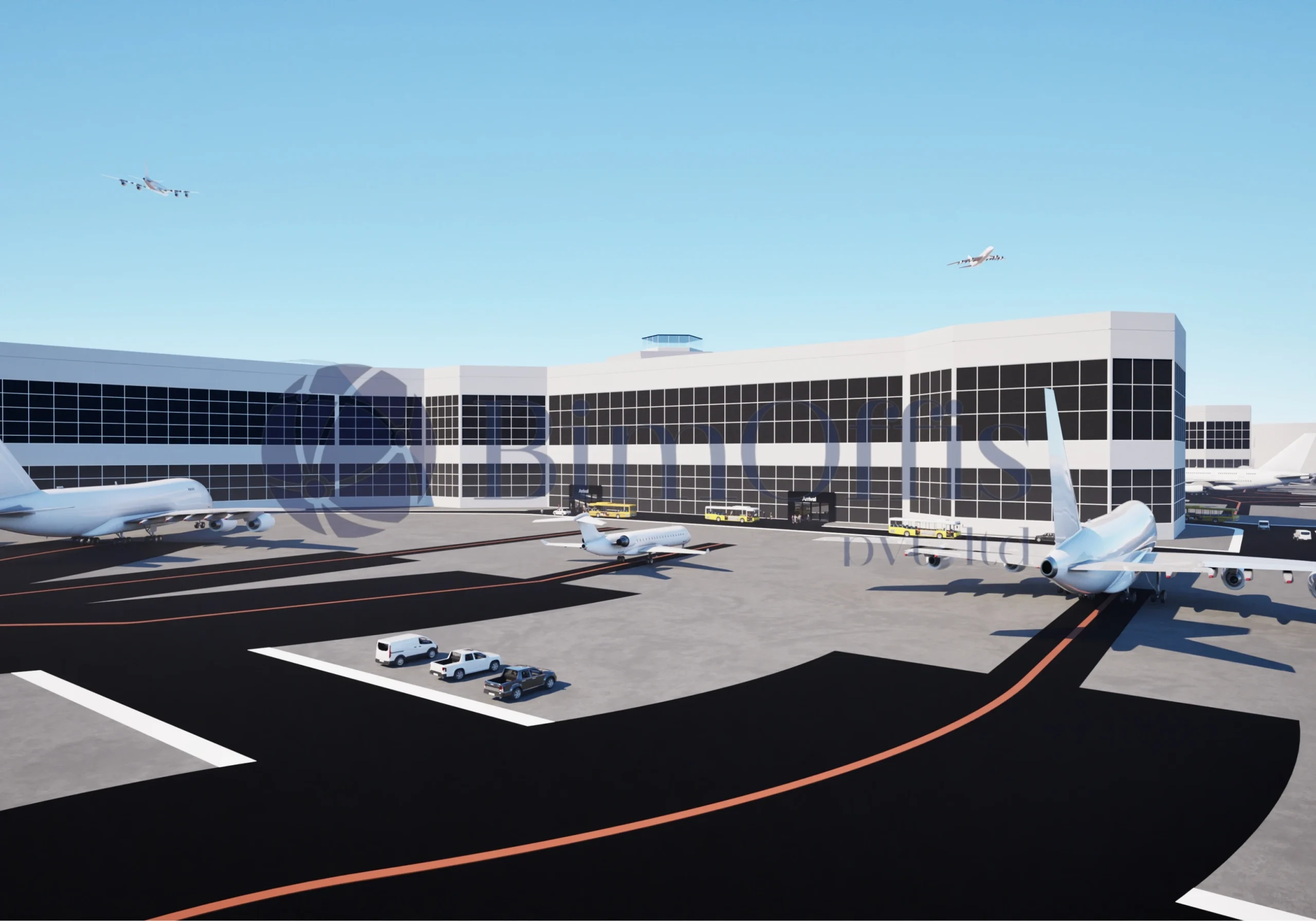
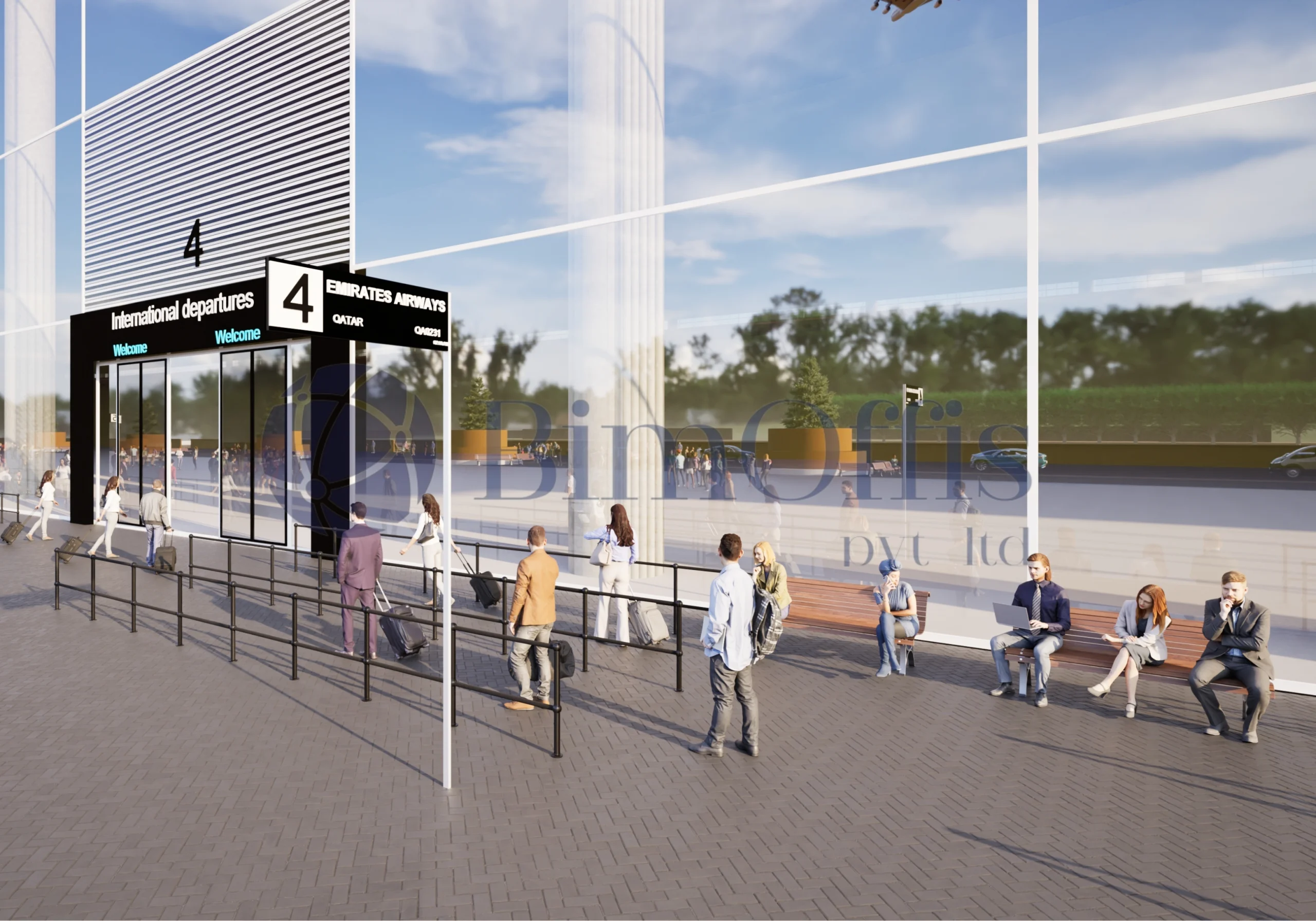
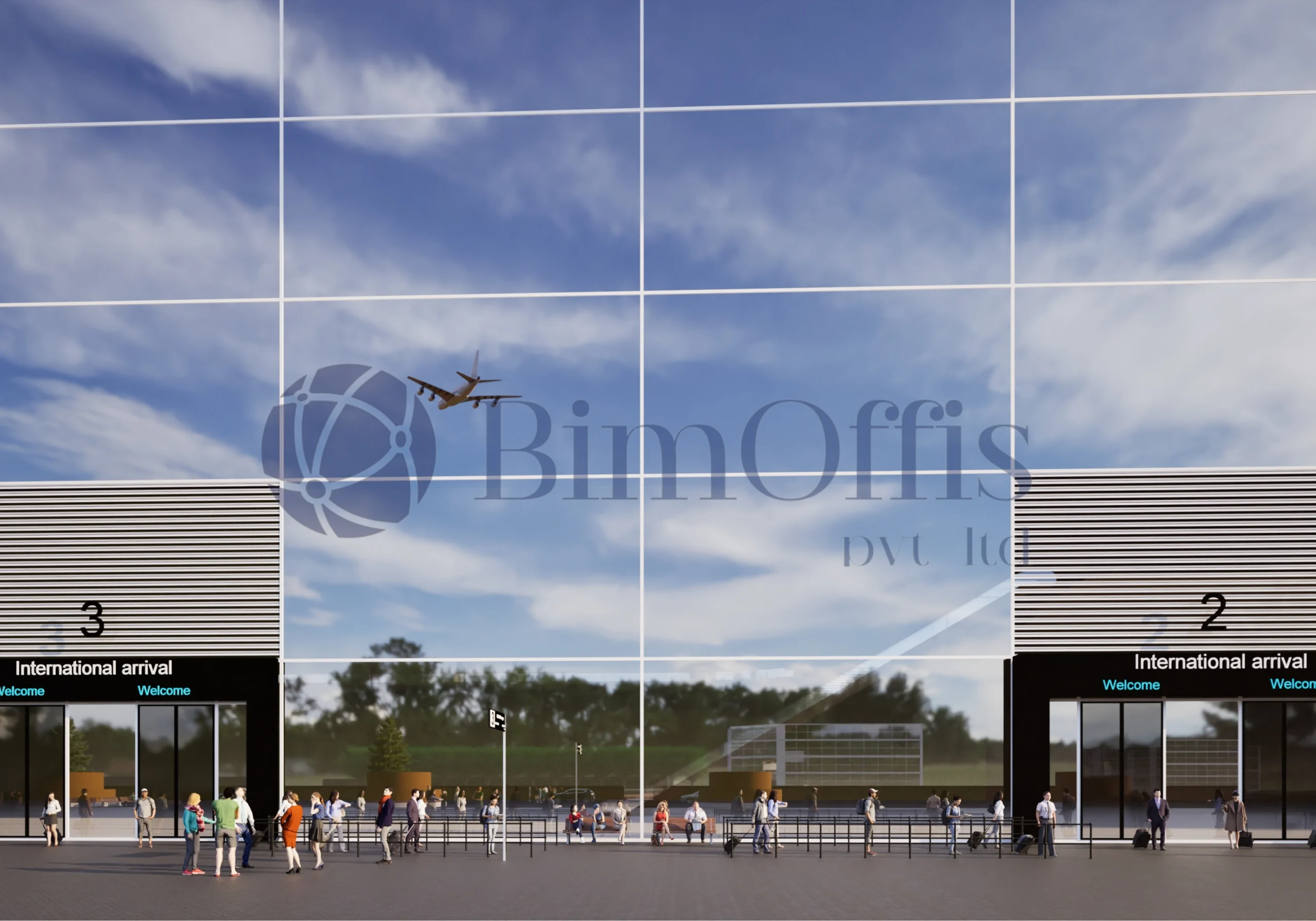
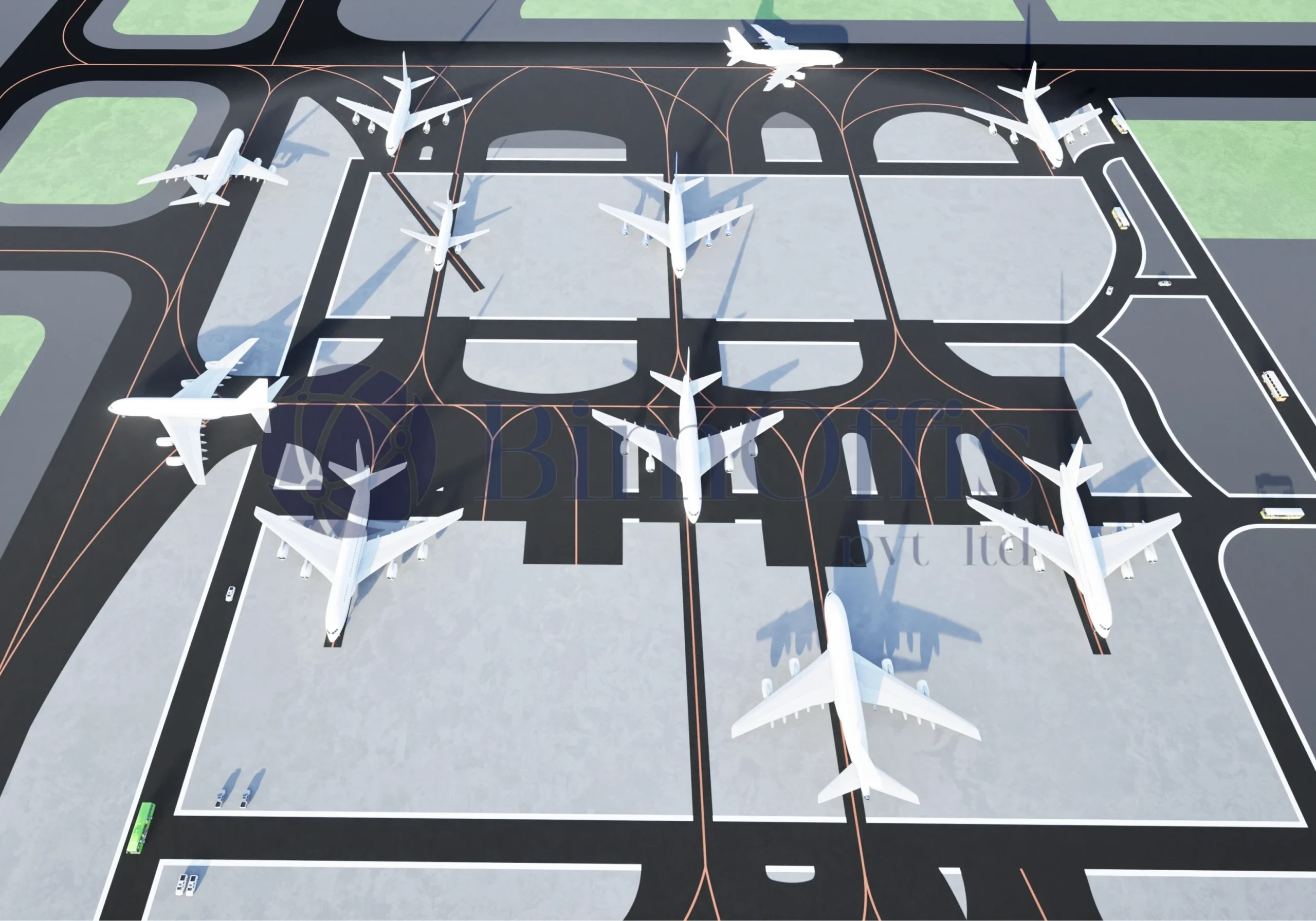
To make the design easier to present and review, we also created visualisations using Twinmotion. This helped stakeholders get a clear idea of the space and made discussions around design much smoother.
Making Coordination More Practical
Overall, the BIM model made coordination simpler and supported better planning. Instead of relying only on drawings, the team had something more visual and easier to work with throughout the project.
Scope of Work
CAD - BIM
Total Area
14,50,000 Sq. Ft.
Services
Architecture
Softwares Used
AutoCAD, Revit, Twinmotion
Sector
Infrastructure
LOD
300
Ready to Work with us?
We establish long-term business relationships with our clients and are
committed to complete customer satisfaction. We would love to know
about your next project.
Project Challenges
Complex Airport Architecture
Airport terminals include intricate layouts, circulation zones, and large-span spaces, demanding precise architectural modeling.
High Accuracy and LOD 300 Standards
Maintaining LOD 300 modeling standards for a large infrastructure facility required strict quality control and validation processes.
Coordination Between On-Site and Off-Site Teams
Ensuring seamless coordination between on-site inspections and BIM production teams was a critical challenge.
Massive Project Area
The airport project covered a large area of 1,450,000 sq. ft, requiring extensive modeling and data handling.
Visualization and Stakeholder Requirements
Producing realistic CGI and visualization outputs for presentations required parallel workflows and technical precision.
Timeline and Workflow Management
Delivering large-scale BIM models and visuals within tight timelines required structured SOPs and efficient BIM workflows.
What We Delivered
- LOD 300 Architectural BIM model developed in Autodesk Revit
- Accurate conversion of CAD drawings into parametric BIM models
- High-quality CGI visualizations and renders using Twinmotion
- Detailed architectural assessment and coordinated BIM outputs
- Regular client coordination, updates, and model revisions
Project Samples