
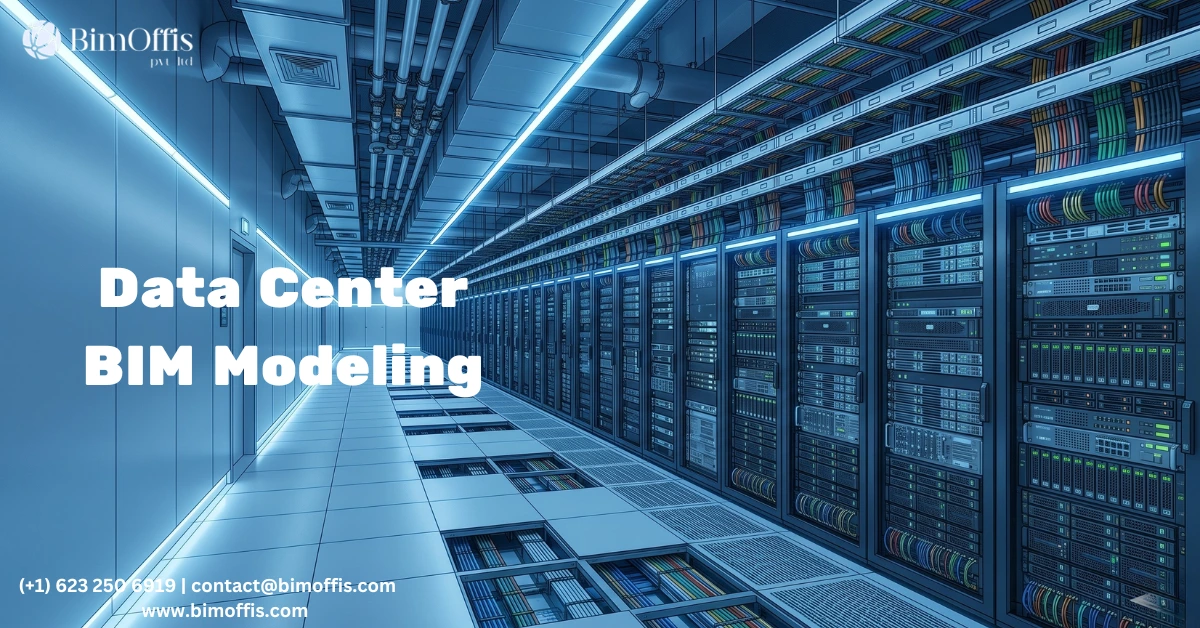
Why BIM Matters So Much in Data Center Projects
If you’ve ever worked on a data center project, you already know it’s nothing like designing a normal building.
You’re dealing with raised floors, dense cable trays, precision cooling systems, backup power infrastructure, and equipment that costs more than entire residential projects.
Because of that complexity, even one coordination mistake can create serious problems. A small issue may delay commissioning for weeks or completely disrupt the cooling strategy for an entire floor.
That’s why BIM for data centers is no longer just a helpful option. Today, it has become essential for large and complex facilities.
When every system connects to another system and the margin for error is extremely small, disconnected 2D drawings simply cannot handle the job properly anymore.
Why Data Centers Are Different From Other Buildings
Most buildings have complicated systems. Data centers take that complexity to another level.
In a typical office project, teams mainly coordinate HVAC, electrical, plumbing, and structure. A data center includes all of those systems, but it also adds:
- Precision cooling systems that respond to live heat loads
- Redundant power feeds, UPS systems, generators, and PDUs
- Structured cabling running below raised floors and above ceilings
- Specialized fire suppression systems around active equipment
- Layered security and access control systems
More importantly, all these systems constantly affect each other.
For example, airflow impacts rack placement. Rack placement affects cable routing. Cable routing influences power distribution layouts. Once one system changes, several others usually need adjustment too.
A traditional 2D workflow struggles to manage that level of coordination. BIM handles it far more effectively because teams can see everything together inside a coordinated model.
What BIM Actually Improves in Data Center Projects
BIM Helps Detect Clashes Early
One of the biggest advantages of BIM is clash detection.
When teams combine architectural, structural, mechanical, and electrical models together, conflicts become visible before construction begins.
For instance, BIM can quickly identify:
- Cable trays running through structural beams
- Cooling pipes conflicting with lighting systems
- Equipment placed too close to fire suppression components
Without BIM, teams often discover these problems on site. With BIM, they solve them much earlier during coordination meetings.
That difference saves both time and money on data center projects where delays can become extremely expensive.
BIM Handles Dense MEP Coordination Better
Data centers contain an enormous amount of MEP infrastructure in a very limited space.
Overhead areas often include cable trays, conduits, cooling pipes, lighting systems, and fire protection lines competing for clearance at the same time.
Since BIM works in true 3D space, teams can coordinate these systems much more accurately.
The model helps everyone understand:
- Available maintenance clearance
- Real routing paths
- Equipment accessibility
- Service space requirements
Plan drawings alone usually cannot provide that level of visibility.
BIM Improves Infrastructure Planning
Redundancy is critical in every data center.
Power and cooling systems often follow configurations like N+1 or 2N redundancy. Because of that, engineers must plan and verify every connection carefully before operations begin.
BIM makes this process easier by allowing teams to visualize the entire infrastructure clearly.
Instead of reviewing separate drawings, engineers, contractors, and facility teams can see how power feeds, UPS layouts, generators, and cooling systems connect together inside one coordinated environment.
That visibility becomes extremely valuable during commissioning and future maintenance.
Coordination Is Where BIM Creates the Biggest Value
Many data center projects do not fail because of design problems. Coordination problems usually create the biggest issues.
Separate drawing sets, uncoordinated installations, and incorrect sequencing often lead to delays during construction.
A coordinated BIM workflow reduces those risks significantly.
When every trade works from properly coordinated models, installation becomes much smoother. Teams solve conflicts before construction instead of reacting to problems on site.
As a result, contractors work with documentation that reflects actual project conditions instead of outdated drawings.
BIM Continues Adding Value After Construction
The value of BIM does not end once construction finishes.
For data centers, the BIM model often becomes a long-term operational tool for facility management teams.
The model can store:
- Equipment locations
- Maintenance access information
- Cable schedules
- System specifications
- Power capacity details
When equipment requires maintenance, teams can quickly identify its location and understand how it connects to surrounding systems.
During future upgrades or expansion planning, the BIM model also helps teams evaluate available capacity much faster.
That long-term operational value only exists when teams build the model correctly from the beginning.
Final Thoughts
BIM for data centers is not about following industry trends or using advanced software just for the sake of it.
The real goal is coordination.
Data centers contain highly connected systems with very little room for error. BIM gives project teams a way to understand those systems clearly before construction starts.
Without a coordinated BIM model, teams take on unnecessary risk throughout design, construction, and operations.
The precision modern data centers require does not come from guesswork. It comes from proper coordination from day one.
Ready to find out what your project will cost? Find out here.
Frequently Asked Questions from Clients
What is BIM for data centers?
It’s a 3D digital model of the entire data center, structure, power, cooling, and cabling, all coordinated in one place before construction starts.
Why is BIM important for data centers?
Because everything is connected. One coordination mistake can delay the whole project. BIM catches problems early, on screen, not on site.
What systems are modeled?
Power, cooling, cable trays, UPS, fire suppression, raised floors, and structure. Everything in one model.
How does clash detection work?
The software automatically flags conflicts between systems, like a pipe hitting a beam. You fix it in the model before anyone touches the site.
Is BIM useful after construction?
Yes. Facilities teams use the model to find equipment, plan maintenance, and manage capacity. It doesn’t stop being useful when construction ends.
Does it help with future expansions?
Definitely. The model already shows what’s installed and where. No guesswork when you’re adding capacity later.







