
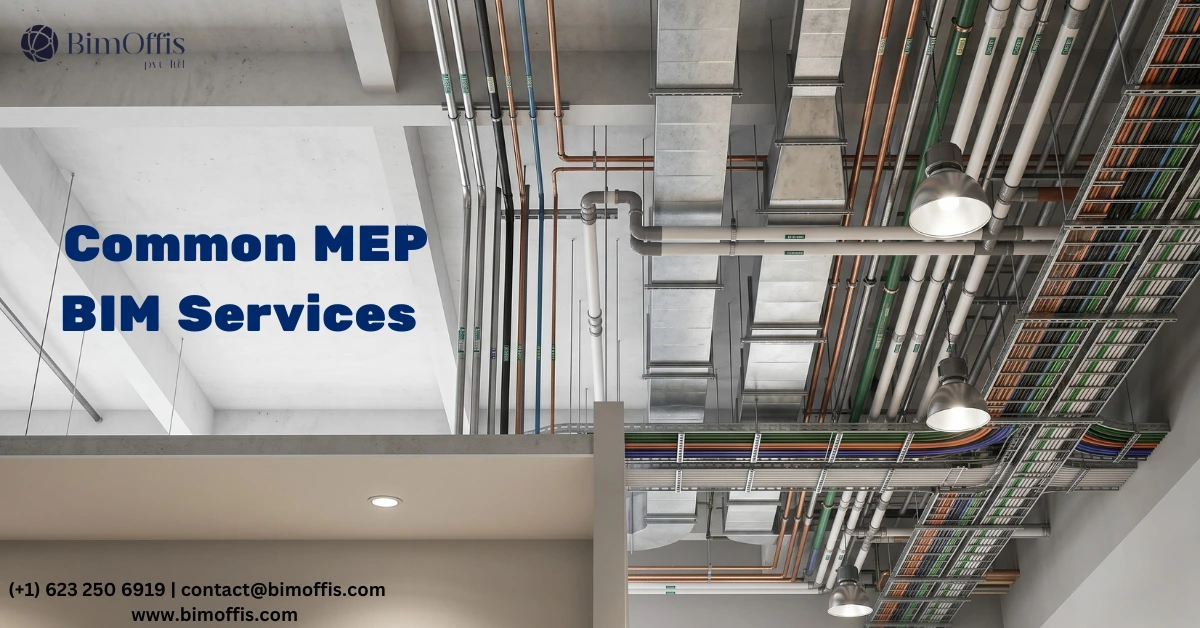
Common MEP BIM Services: What Every Construction Professional Should Know
Walk into any busy construction site and give it five minutes. Somewhere, a heated conversation about space is already happening. The HVAC contractor wants that ceiling void.
Meanwhile, the electrician was already planning to run conduit through it. At the same time, the plumber finished his rough-in last week without telling anybody.
Nobody planned for all three trades to need the same spot, and nobody checked beforehand. As a result, the project now burns time and money sorting out something that should have been caught months earlier.
This happens all the time. However, it doesn’t have to. That’s the exact problem MEP BIM services solve, not just in theory, but on real projects every single day.
What Are MEP BIM Services and Why Do They Matter?
MEP covers Mechanical, Electrical, and Plumbing, the systems that heat and cool a building, keep the lights on, and make sure water goes where it belongs.
BIM, or Building Information Modeling, helps teams design and coordinate those systems inside a detailed 3D digital model before construction begins.
The idea is straightforward. Essentially, teams build the project on a computer first, where mistakes cost an afternoon. Then they build it for real, where mistakes cost a great deal more.
Why MEP Trades Need This More Than Anyone
Mechanical, electrical, and plumbing systems don’t each get their own dedicated space inside a building. Instead, all three share the same ceiling voids, wall cavities, and service shafts.
Because different trades often work from separate drawings, expensive surprises become almost inevitable. Each team assumes it has the space it needs.
MEP BIM brings everything into one shared model. As a result, teams solve coordination issues at a desk instead of on a crowded job site.
1. MEP 3D Modeling, Building the Project Before You Build the Project
Where It All Starts
Every MEP BIM project begins with modeling. BIM modelers take the engineer’s design drawings and build every mechanical, electrical, and plumbing system as a detailed and accurate 3D model, typically in Revit or AutoCAD MEP.
This isn’t rough geometry or a visual approximation. Instead, every duct run, pipe, and conduit path gets modeled to exact dimensions with real project data attached.
Pipe sizes, duct materials, equipment specifications, and clearance zones all live inside the model and remain queryable throughout the project lifecycle.
What a Complete MEP Model Includes
Mechanical Systems
- Supply and return ductwork
- Air handling units
- Chillers and fans
- VAV boxes and diffusers
Electrical Systems
- Conduit runs
- Cable trays
- LT and HT panels
- Transformers and lighting layouts
Plumbing Systems
- Domestic water systems
- Drainage networks
- Sanitary pipework
- Fire suppression systems
Equipment Clearances
- Maintenance access zones
- Service clearances around equipment
- Safe working spaces for technicians
Once the model exists, everyone on the project works from the same information. Consequently, conflicting drawings become far less common.
That single improvement alone prevents a surprising number of costly misunderstandings.
2. Clash Detection and Coordination, Finding Problems While They’re Still Cheap to Fix
Why Clash Detection Matters
Ask almost anyone experienced in MEP coordination which service delivers the clearest value, and clash detection usually wins without much debate.
A clash simply means two elements trying to occupy the same physical space. For example, a beam may run through a duct, a fire suppression pipe may block an electrical tray, or a plumbing riser may conflict with a mechanical shaft.
On large commercial or industrial buildings, these issues can easily number in the hundreds.
What matters most is timing. Finding a clash in a model may take only a few hours to resolve. However, finding the same clash on-site after framing is complete and materials are delivered can take days and cost serious money.
Therefore, the value of proper MEP coordination is extremely difficult to ignore.
Common Types of MEP Clashes
Hard Clashes
These occur when two physical elements overlap and leave no room for installation.
Soft Clashes
These happen when components are technically separate but too close for code compliance or maintenance access.
Workflow Clashes
Sometimes two trades are scheduled to work in the exact same area at the same time, creating delays and confusion.
Step-by-Step Coordination Process
First, all discipline models get federated into one combined file.
Next, automated clash detection software scans the model and generates a complete conflict report.
After that, the coordination team reviews the clashes, prioritizes them by severity, and starts resolving the issues.
Meanwhile, trades meet regularly to agree on routing changes and update their systems accordingly.
Finally, the model gets rechecked repeatedly until the MEP coordination process is fully complete.
Why Early Coordination Saves Money
Resolving coordination issues digitally is far easier than fixing them during construction. Instead of delaying crews on-site, teams can solve problems before materials are even ordered.
As a result, projects move faster, labor costs stay lower, and construction teams avoid unnecessary rework.
3. Shop Drawing Production, Giving Site Teams Something They Can Work From
Because a 3D Model Doesn’t Fit in Your Back Pocket
A coordinated 3D model works brilliantly for planning and decision-making. However, site teams still need practical installation drawings they can carry and reference during work.
That’s exactly what MEP shop drawings provide.
Teams produce shop drawings directly from the coordinated BIM model. In addition, they translate complex coordination data into clear, trade-specific instructions.
Routing layouts, dimensions, support locations, and material specifications all appear in a format crews can install confidently without making decisions on the fly.
What a Solid Set of MEP Shop Drawings Covers
- Dimensioned routing plans and sectional views
- Pipe, duct, and conduit connection details
- Hanger, bracket, and support locations
- Equipment setting and anchor positions
- Material callouts and code references
Since everything comes from the coordinated BIM model, these drawings reflect actual site conditions rather than idealized assumptions.
Consequently, RFIs decrease noticeably, and last-minute field decisions become far less frequent.
4. Fabrication Modeling, Manufacturing It Before Installing It
Taking Coordination One Step Further
In many projects, fabrication modeling takes coordination to an even higher level of detail.
Unlike standard coordination models, fabrication models contain enough precision for teams to manufacture ductwork sections, pipe assemblies, and electrical modules off-site before installation begins.
As a result, prefabricated systems arrive ready to install with minimal adjustment required in the field.
Why More Projects Move in This Direction
- On-site labor hours decrease significantly
- Quality control improves in shop environments
- Material waste drops because everything gets cut precisely
- Installation schedules become easier to manage
Consequently, healthcare facilities, pharmaceutical plants, and data centers have widely adopted this approach where quality and schedule pressure both matter heavily.
Moreover, fabrication modeling works because the BIM model behind it carries a very high level of accuracy.
5. As-Built BIM Modeling, The Model That Reflects Reality
Because What Gets Built Is Never Exactly What Got Designed
Every experienced site manager understands this reality. During construction, things inevitably change. A routing adjustment may happen here, while a substituted fitting may appear somewhere else.
By the time a building reaches handover, the original design model and the finished building can differ significantly.
As-built modeling closes that gap. Teams update the completed BIM model to reflect exactly how the building was actually constructed.
Each pipe sits in its real position. Meanwhile, the ductwork follows its installed route, and the electrical systems reflect how workers truly wired them.
What Building Owners Gain From a Good As-Built Model
- Maintenance teams can quickly locate building systems
- Future renovations start from accurate information
- Facility management becomes far more efficient
- Handover documentation becomes genuinely useful
For building owners, a properly maintained as-built BIM model is not just another project deliverable. Instead, it becomes a long-term operational asset.
The Simple Truth About MEP BIM Services
Projects that finish on time, stay within budget, and avoid unnecessary headaches almost always have strong MEP coordination behind them. Rarely is that accidental.
Over time, MEP BIM services have moved from being optional on large projects to becoming standard practice across commercial, industrial, and healthcare construction.
The industry now understands that resolving coordination issues digitally is always faster, cheaper, and less stressful than fixing them on-site.
Build it properly on screen first. Then build it cleanly in the field. Finally, hand over something the owner can genuinely use. That’s what good MEP BIM looks like in practice, and that’s why more construction teams rely on it every year.
Ready to find out what your project will cost? Find out here.
Frequently Asked Questions from Clients
What does MEP stand for?
MEP stands for Mechanical, Electrical, and Plumbing. These are the three main building systems that keep any structure functional, heating, cooling, power, and water.
What is BIM in simple terms?
BIM means Building Information Modeling. Think of it as creating a detailed digital twin of your building before construction starts. Everything is planned and tested virtually first.
Why do MEP systems need BIM coordination?
Because mechanical, electrical, and plumbing systems all share the same ceiling spaces and wall cavities. Without coordination, they clash with each other and cause expensive rework on site.
What is a clash in MEP BIM?
A clash is when two building elements occupy the same physical space, like a duct running through a beam or a pipe conflicting with an electrical conduit. BIM finds these before construction begins.
How much does clash detection actually save?
Fixing a clash in a model takes hours. Fixing the same clash on site takes days and costs significantly more in labor, materials, and lost time. The savings are substantial on any mid to large project.
What software is used for MEP BIM?
The most commonly used tools are Revit for modeling, Navisworks for clash detection, and AutoCAD MEP for detailed drawings. BIM 360 is widely used for team collaboration.







