If you’ve worked on construction projects, you already know one thing : MEP work can get messy.
Too many systems. Limited space. And if coordination is off, problems show up directly on-site.
Earlier, most of us worked with separate drawings. Mechanical, electrical, and plumbing teams all did their own thing, and we hoped everything would fit during execution.
Sometimes it did. Most times, it didn’t.
That’s where MEP BIM modeling changed the game.
Now, instead of fixing problems on-site, we can catch them early while everything is still in the model.
What Is MEP BIM Modeling?
In simple terms, MEP BIM modeling means creating all MEP systems inside one 3D model.
But it’s not just about 3D.
Each element in the model carries information.
For example, a duct is not just a line or shape. It has:
- Size
- Material
- Airflow details
- Connections
Same goes for pipes and electrical systems.
So instead of guessing from drawings, you’re working with actual data.
Why Engineers Prefer MEP BIM
Let’s be practical.
MEP systems take up a lot of space, and most of that space is already tight ceilings, shafts, plant rooms.
Without coordination, clashes are obvious.
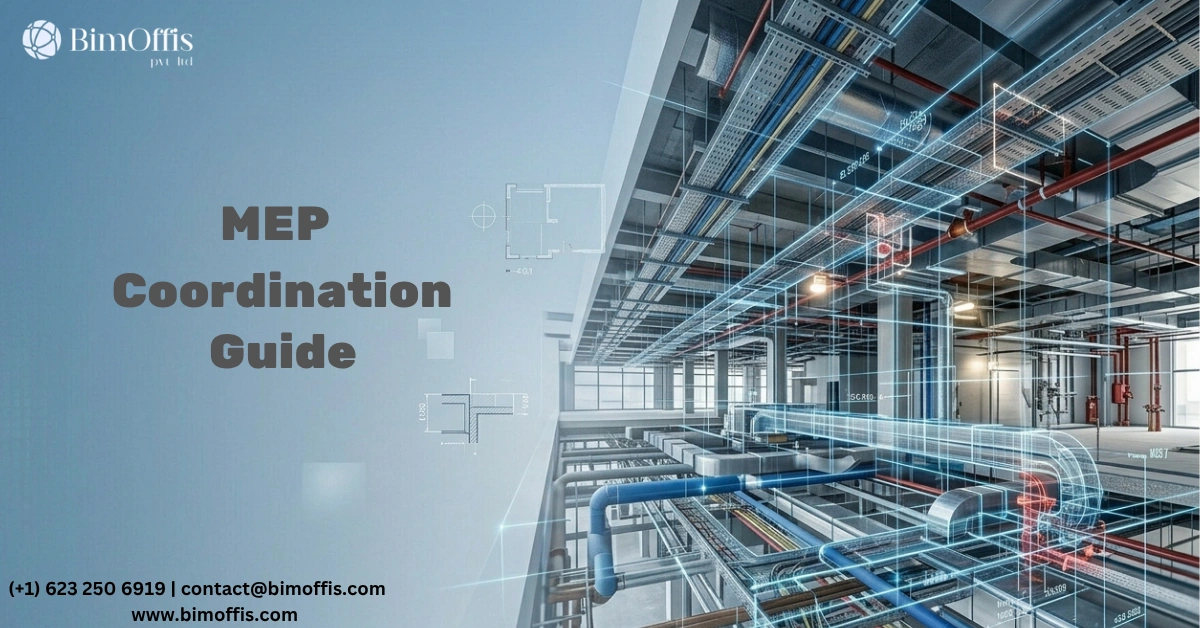
Clash Detection (Biggest Advantage)
This is where BIM really helps.
You can clearly see if:
- A pipe is crossing a duct
- A cable tray is hitting a beam
- There’s no space for maintenance
And you fix it before construction starts.
That alone saves a lot of time and cost.
Better Coordination
In BIM, all disciplines work on connected models.
So instead of working in isolation, everyone sees the full picture.
It reduces:
- Site confusion
- Design changes
- Back-and-forth communication
Accurate Quantities
Need material quantities?
You don’t have to estimate from drawings anymore.
The model already has that data.
This helps with costing, planning, and procurement.
Drawings Stay Updated
One practical benefit when you change something in the model, all drawings update automatically.
No mismatch between plans and sections.
No outdated drawings on-site.
Tools Commonly Used
Most engineers use:
- Revit MEP for modeling
- Navisworks for clash detection
- AutoCAD MEP in some cases
- MagiCAD / CADmep for detailed work
Tools can vary, but the workflow stays similar.
How the Workflow Usually Goes
Not complicated. Just structured.
1. Design
Start modeling based on architectural and structural inputs.
2. Coordination
Combine all models and fix clashes.
3. Documentation
Generate drawings and schedules.
4. Fabrication (if needed)
Create detailed models for manufacturing.
5. Handover
Final model goes to the client for future use.
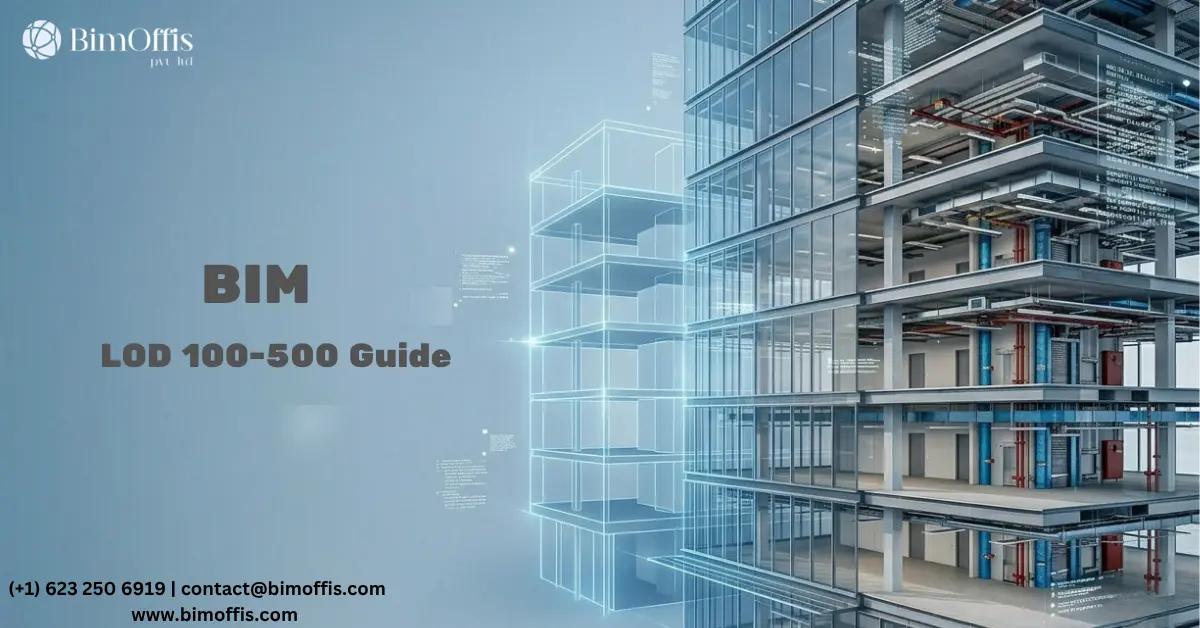
LOD (Level of Development) Simple View
- LOD 100 → basic idea
- LOD 200 → rough layout
- LOD 300 → coordinated model
- LOD 400 → fabrication level
- LOD 500 → as-built
Most coordination work happens at LOD 300.
Challenges You Might Face
Let’s not pretend it’s perfect.
- Models can get heavy
- Software doesn’t always sync well
- New team members take time to learn
What helps:
- Clear BIM Execution Plan (BEP)
- Proper team coordination
- Some patience in the beginning
Final Thoughts
At the end of the day, MEP BIM modeling is about solving problems early.
Instead of dealing with issues on-site, you fix them in the model where it’s easier, faster, and cheaper.
Once you get used to working this way, going back to old methods feels difficult.
And that’s why BIM is no longer optional in many projects it’s becoming the standard.
Frequently Asked Questions from Clients
What is MEP BIM modeling?
MEP BIM modeling is the process of designing mechanical, electrical, and plumbing systems in a shared 3D model where all systems are coordinated together.
Why is MEP BIM modeling important in construction?
It helps identify clashes early, improves coordination between teams, and reduces costly errors during construction.
Which software is used for MEP BIM modeling?
Common tools include Revit MEP, Navisworks, AutoCAD MEP, and MagiCAD, depending on project needs.
What is clash detection in MEP BIM?
Clash detection is the process of finding conflicts between systems, like pipes crossing ducts, before construction begins.
Who uses MEP BIM modeling?
Engineers, contractors, BIM modelers, and project managers use it for better planning and coordination.
How does MEP BIM modeling save cost?
By detecting issues early and reducing rework on-site, it saves both time and construction costs.