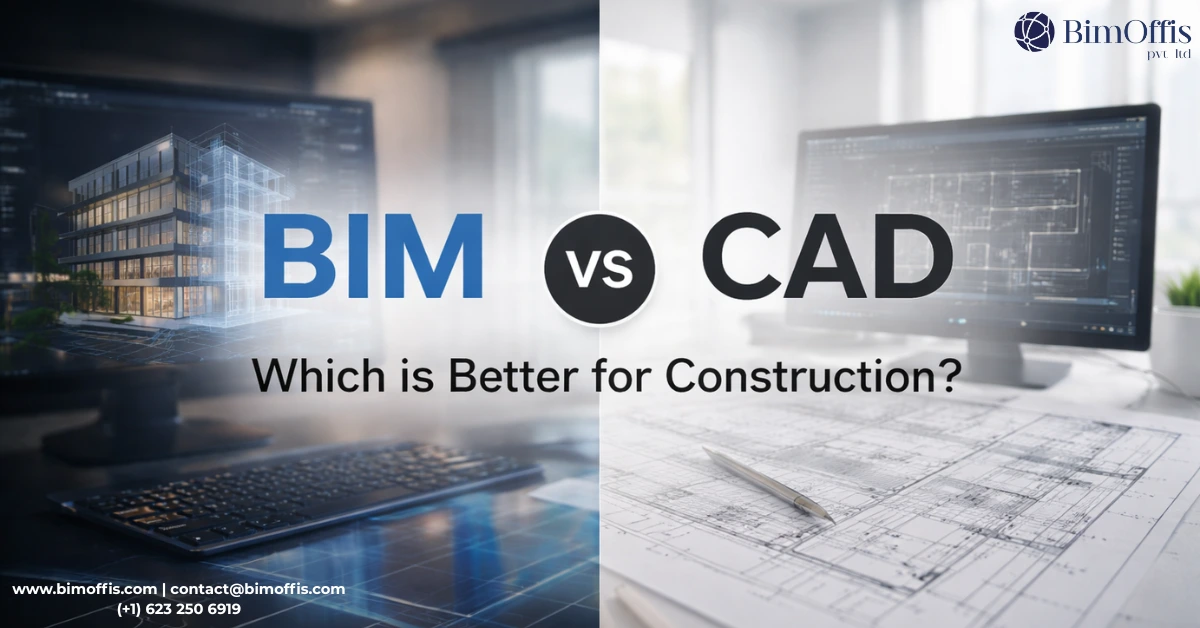
BIM vs. CAD: which is better for modern construction?
This is the most asked question, which reveals the hot debate in the design industry. However, professionals use both for different approaches. Computer-aided design (CAD) works best for accurate technical plans and geometric modeling.
While Building Information Modeling (BIM) is used to achieve information about project management, it is completely different from easy preparation.
Well, the choices between these two technologies totally depend on how buildings should be constructed and designed. That is why you must understand the differences between BIM and CAD through this guide to stay competitive in the industry.
However, the right tools or a professional estimating company can provide you with the desired results. If you are inexperienced, then do not leave your project to guesswork. Without any further delay, let’s discuss the core differences between these two.
Explore the differences between BIM and CAD to choose the most suitable technology for your construction, design, and project management needs.
What is CAD?
Computer-Aided Design (CAD) is considered a digital technology used for drafting. It is an alternative method to traditional hand-drawing methods. However, CAD software also helps to create accurate 2D drawings and 3D models. By using geometric shapes and mathematical calculations, accurate results are generated.
What is BIM?
Building Information Modeling (BIM) is an advanced method to create smart modelling. Now, it has become the most common technology to create a digital representation of buildings with BIM.
Its functionalities are marvellous because it consists of rich data within 3D models. However, rather than just drawing a wall, you can create an intelligent wall object that knows its material composition, properties, and cost.
For this reason, it is emphasised to use BIM estimating services to achieve accurate results and grow as a company.
Key Differences Between BIM and CAD
- Models contain comprehensive data about materials, specifications, costs, and performance.
- Objects are defined by parameters and relationships.
- Supports the entire building lifecycle from design through demolition.
- Geometric Focus: CAD files primarily contain geometric information lines, curves, surfaces, and volumes.
- Static Information: Contains a visual representation without embedded data about materials, costs, or specifications.
The Fundamental Differences
1. Dimensionality and Intelligence
In CAD, the objects are created in a simple geometric form without any intelligence. In the initial stage, it creates the drawings with some 3D modeling features.
On the other hand, BIM is smart because it works with time and cost capabilities. The objects contain detailed information about everything.
2. Data Integration
The data is extracted from the drawings, and this information is about materials, quantities, and features in CAD.
Whereas, in BIM, the project information is up-to-date within the model. However, every object consists of its relevant data with detailed information.
3. Collaboration and Coordination
CAD requires manual checking of drawings. If you talk about Collaboration, then it involves exchanging individual drawing files.
In BIM, the collaboration is easier because everything is in a shared model form. This means that all the project members make changes and decide about the project live, and identify mistakes.
4. Documentation Process
The drawings are created and also updated manually. In case of any change in the design, the experts have to deal with everything on their own.
However, BIM Documentation is relatively easier because it fetches the information from the models automatically.
Advantages of CAD
- CAD software creates precise technical drawings. However, its drafting tools provide granular control over every line and dimension.
- CAD files, particularly DWG format, are used across different software platforms and industries.
- It is expected that CAD’s straightforward approach may be better than BIM for simple projects.
- CAD software does not require an expensive investment and requires less hardware.
Advantages of BIM
- BIM models contain comprehensive information about every project object that reduces misunderstandings and mistakes.
- The users can automatically generate project plans, sections, elevations, and schedules from the models! This means your overall drafting time is reduced.
- Various experts can work at one time on the same model. This way, everyone remains on the same page.
- Competent cost estimators quantify elements through BIM to ease the estimation process.
CAD file formats
- DWG (AutoCAD’s native format)
- DXF (Drawing Exchange Format)
- PDF (for sharing/viewing)
- STL (for 3D printing)
BIM file formats
- RVT (Revit files)
- IFC (Industry Foundation Classes – universal BIM format)
- NWD/NWC (Navisworks files)
- SKP (SketchUp files)
- 3DS (3D Studio files)
Conclusion
To sum it up, the choice between BIM and CAD depends on your project complexity and design requirements. Plus, it also depends on your expected goals. After a detailed discussion, hopefully, you now know that CAD helps to cover specific names and simpler projects. On the other hand, BIM is smart and intelligent enough to cover all the project information.
However, if you’re still depending on manual methods for constructing buildings, then start to advance BIM and CAD technologies. Make sure to excel in understanding the functionalities of both of them before using them.
Frequently Asked Questions from Clients
What is the main difference between BIM and CAD?
CAD is mainly for drawing designs, while BIM includes full project information along with the design.
Which is better, BIM or CAD?
It depends on the project. CAD is good for simple drawings, while BIM is better for complex projects.
Can CAD and BIM be used together?
Yes, many projects use both tools depending on the work needed.
Why is BIM considered more advanced?
Because it includes data like materials, cost, and time, not just drawings.
Does BIM help in project management?
Yes, BIM helps with planning, coordination, and tracking the project.
Is BIM more expensive than CAD?
Yes, BIM usually needs more investment, but it can save money in the long run.