If you’ve spent any time around architecture firms in the last decade, you’ve probably noticed something: nobody rolls out 2D drawings on a drafting table anymore. Building Information Modeling, or BIM, has quietly taken over how architects design buildings. It’s hard to find a mid-to-large architecture firm today that doesn’t use it in some form. BIM and architecture have grown so tightly linked that it’s almost pointless to discuss modern design without mentioning it.
So what’s actually going on here, and why does it matter so much?
What BIM Actually Means for Architects
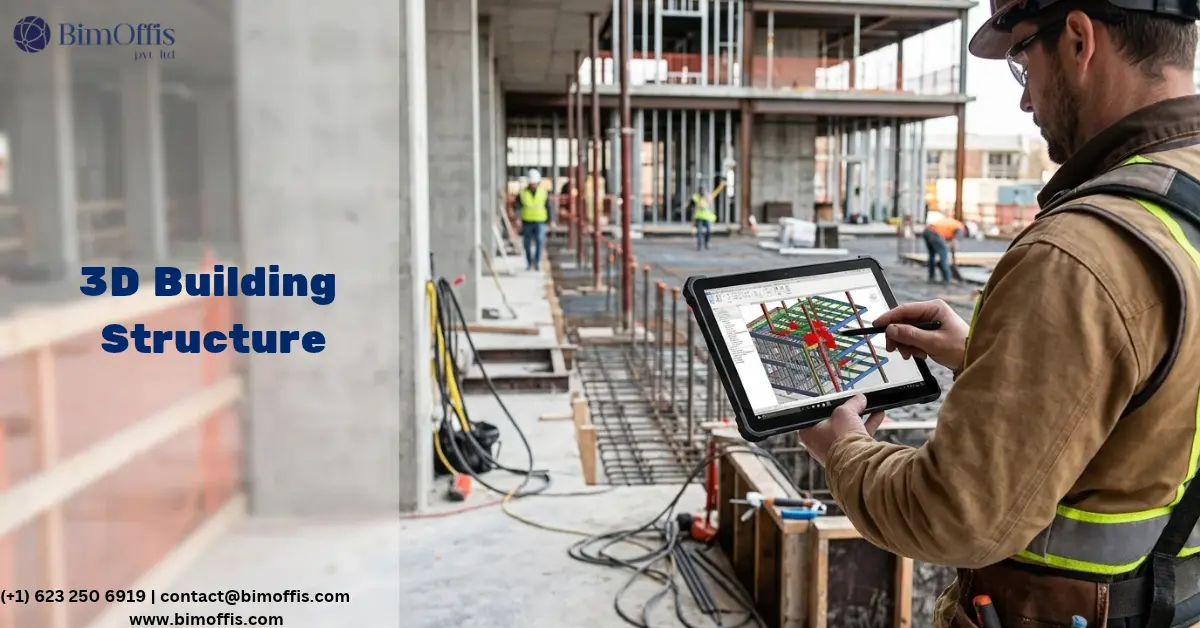
At its core, BIM builds a digital model of a structure that carries real information, not just shapes. A wall in a BIM model isn’t just a rectangle on a screen. It knows its own material, thickness, fire rating, and cost. Compare that to old-school CAD, where a drawing is basically a digital sketch. It looks right, but it doesn’t know anything about itself.
That distinction sounds small, but it changes everything downstream. When an architect adjusts a window size in a BIM model, the elevation, the schedule, and even the cost estimate update automatically. Try that in a CAD file, and you’ll end up redrawing three different sheets by hand.
How BIM Shows Up in the Design Process
Seeing the Building Before It Exists
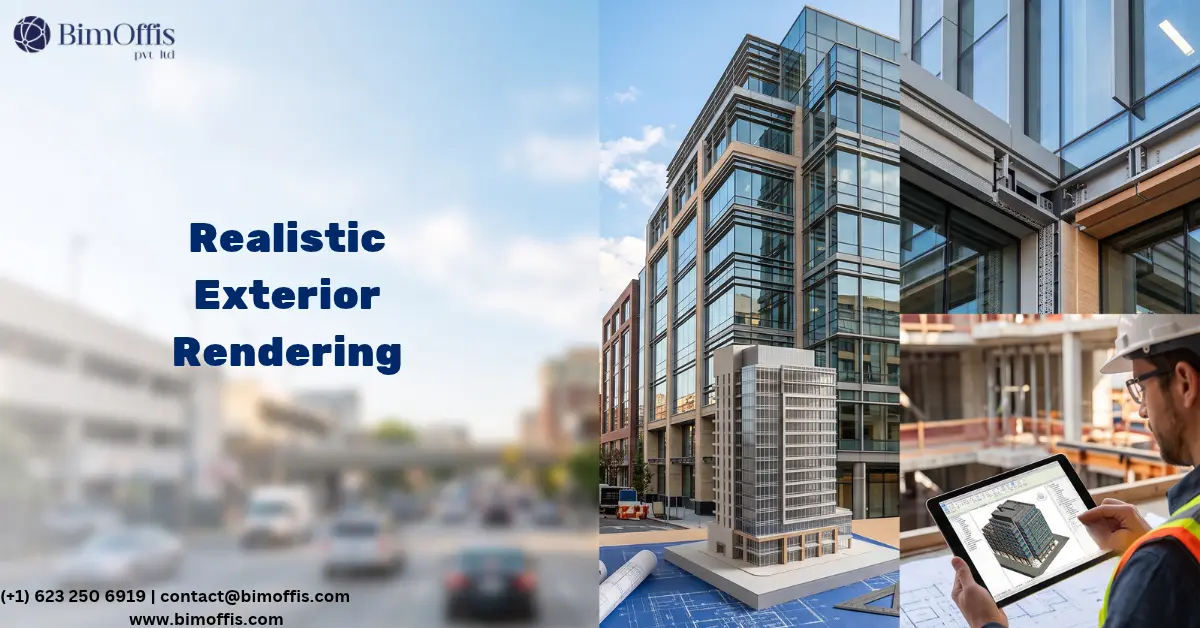
One of the more underrated benefits of BIM is how much easier it makes client conversations. Most clients can’t read a floor plan the way an architect can. Ask someone to imagine a room from a set of lines and dimensions, and you’ll usually get a blank stare. Walk them through a 3D model instead, and suddenly they start pointing things out themselves: “Can we push this wall back?” or “What if the window was bigger here?” This kind of feedback loop simply didn’t exist before BIM became standard.
Getting Everyone on the Same Page
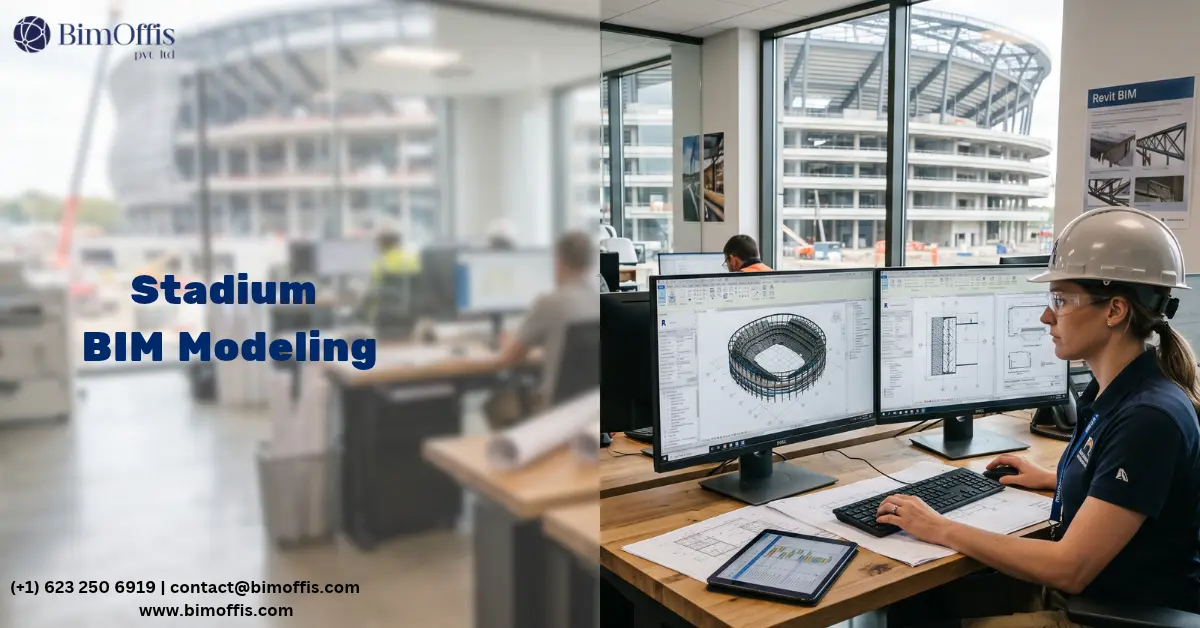
Architecture has never been a solo job. Structural engineers, MEP consultants, and contractors all touch the same building at different stages. Historically, that meant a lot of guessing and plenty of surprises on site. With a shared BIM model, the architect sees a beam resize the moment the structural engineer makes it, instead of finding out three weeks later when the drawings don’t match.
Catching Problems Before They’re Expensive
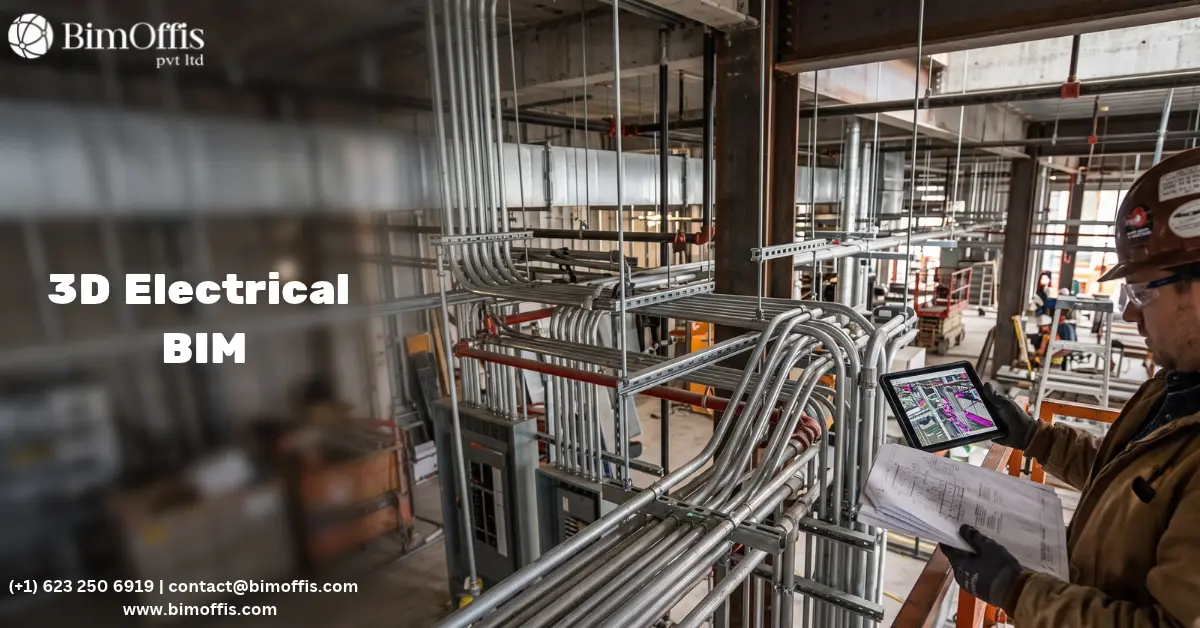
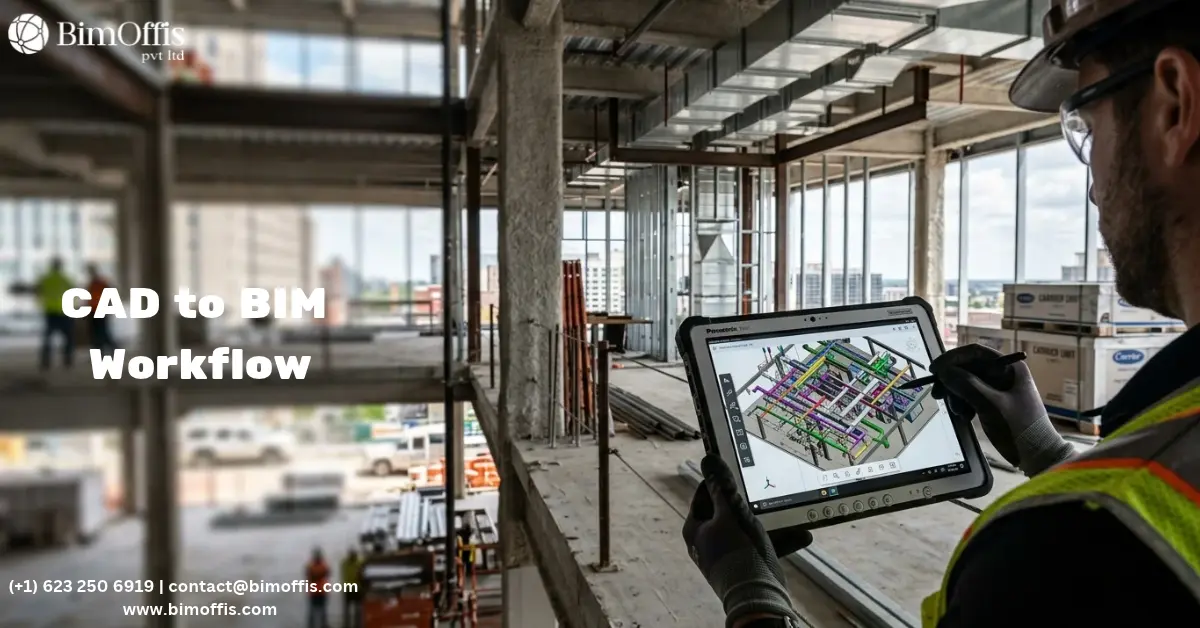
Clash detection is probably the single most practical thing BIM brings to the table. A duct running straight through a structural beam, a sprinkler line clashing with ductwork. Workers used to discover these problems on the job site, usually at the worst possible moment. Now the model flags them on screen, weeks or months before anyone picks up a tool.
Why This Combination Actually Matters
There’s a temptation to treat BIM as just another piece of software architects have to learn, but that undersells what’s happening. Here are a few reasons this pairing matters more than people give it credit for:
- Cost estimates get real, fast. Quantities pull directly from the model instead of someone manually counting doors and windows off a drawing. That means fewer surprises during procurement.
- Sustainability decisions happen earlier. Architects can test energy modeling, daylight analysis, and material lifecycle data against the actual design, instead of guessing and hoping the numbers work out later.
- Fewer late-stage change requests happen. When clients understand what they’re approving, they tend to ask for fewer changes after construction starts. That saves everyone time and money.
The Part Nobody Talks About: Adoption Isn’t Easy
Here’s the honest bit: BIM adoption isn’t a smooth ride for everyone. Smaller firms often balk at the licensing costs. Teams that have spent years drafting in 2D face a real learning curve. Different software platforms don’t always talk to each other well, either, and that creates its own headaches when a project involves multiple firms on different tools.
That said, most architects who’ve made the switch don’t go back. The upfront pain tends to pay off quickly once a project starts moving. On larger jobs, BIM has stopped being optional anyway; a lot of clients and contractors now require it contractually.
Where This Is Headed
AI is starting to creep into BIM platforms. It generates layout options and flags design issues faster than a person scanning a model by hand ever could. Digital twins, models that keep tracking a building through its operating life after construction, are becoming common on bigger projects. Cloud-based tools let a team in Mumbai and a team in London work on the exact same model at the same time, without emailing files back and forth.
As codes get stricter and sustainability requirements keep tightening, this trend isn’t slowing down anytime soon.
Wrapping Up
BIM isn’t a passing trend or a fancy visualization tool architects use to impress clients. It has become the connective tissue between design, engineering, construction, and even how a building gets managed years after it opens. Architects who treat BIM as central to how they work, rather than something bolted on at the end, tend to get better projects, fewer headaches, and clients who trust the process a lot more. At this point, BIM and architecture aren’t really two separate things to talk about. They’re the same conversation.
Take your architectural projects to the next level by consulting our architectural BIM experts for accurate, coordinated building models.
Frequently Asked Questions from Clients
What is BIM in architecture?
BIM is a digital process that helps architects create intelligent 3D building models with project data.
Why is BIM important in architecture?
It improves design accuracy, collaboration, visualization, and project coordination.
How does BIM benefit architects?
It reduces design errors, enhances communication, and speeds up project delivery.
Which software is commonly used for architectural BIM?
Autodesk Revit, Archicad, and Navisworks are widely used.
Can BIM be used for renovation projects?
Yes, BIM supports renovation, retrofit, and facility management with accurate models.
How does BIM improve collaboration in architecture?
It enables architects, engineers, and contractors to work on a shared digital model.