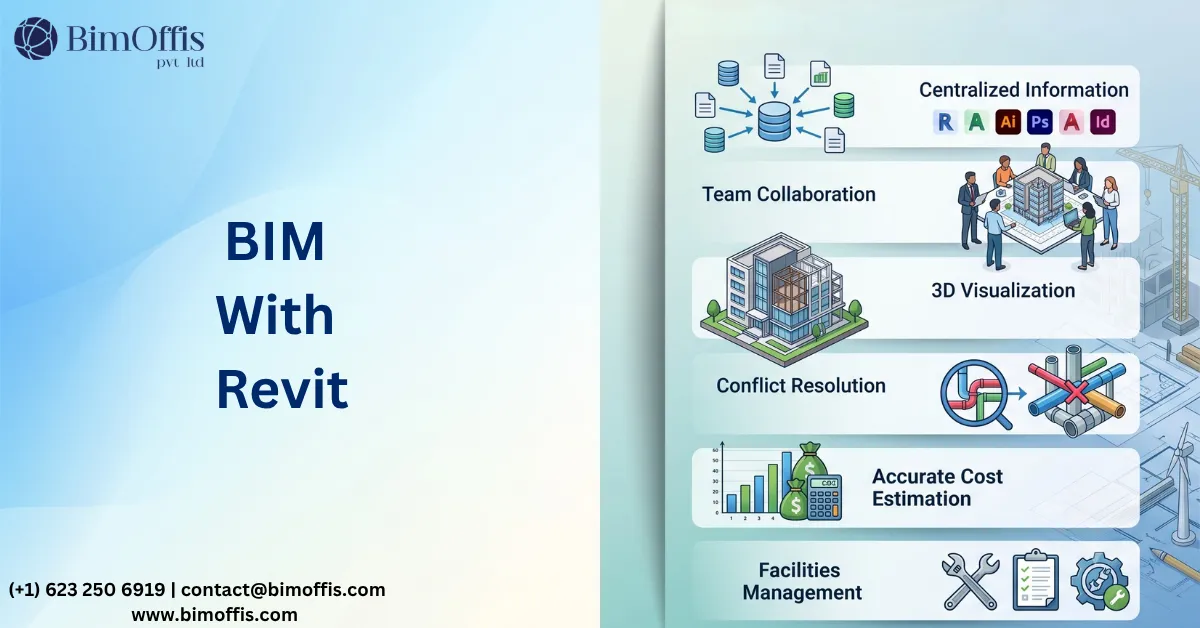
Understanding BIM and Revit
What Is Building Information Modeling?
Building Information Modeling (BIM) is a modern construction process that allows architects, engineers, contractors, and project owners to create and manage intelligent digital models throughout a building’s lifecycle. Instead of relying on separate drawings, everyone works from a shared model containing geometry, materials, quantities, schedules, and other important project information.
This connected workflow improves communication, reduces design conflicts, and supports better decision-making from concept to facility management.
What Is Revit?
Autodesk Revit is one of the most widely used BIM software platforms. It enables architectural, structural, and MEP teams to develop detailed 3D models while keeping project information synchronized. Whenever a change is made, drawings, schedules, and views update automatically, helping teams maintain accuracy throughout the project.
How Revit Supports BIM Workflows
Revit strengthens BIM by making collaboration faster and more reliable. Since every discipline works with the same coordinated model, design updates become easier to manage and project teams spend less time correcting inconsistencies.
The software also supports parametric modeling, allowing users to modify elements while automatically updating related components. This improves design flexibility and helps reduce manual work.
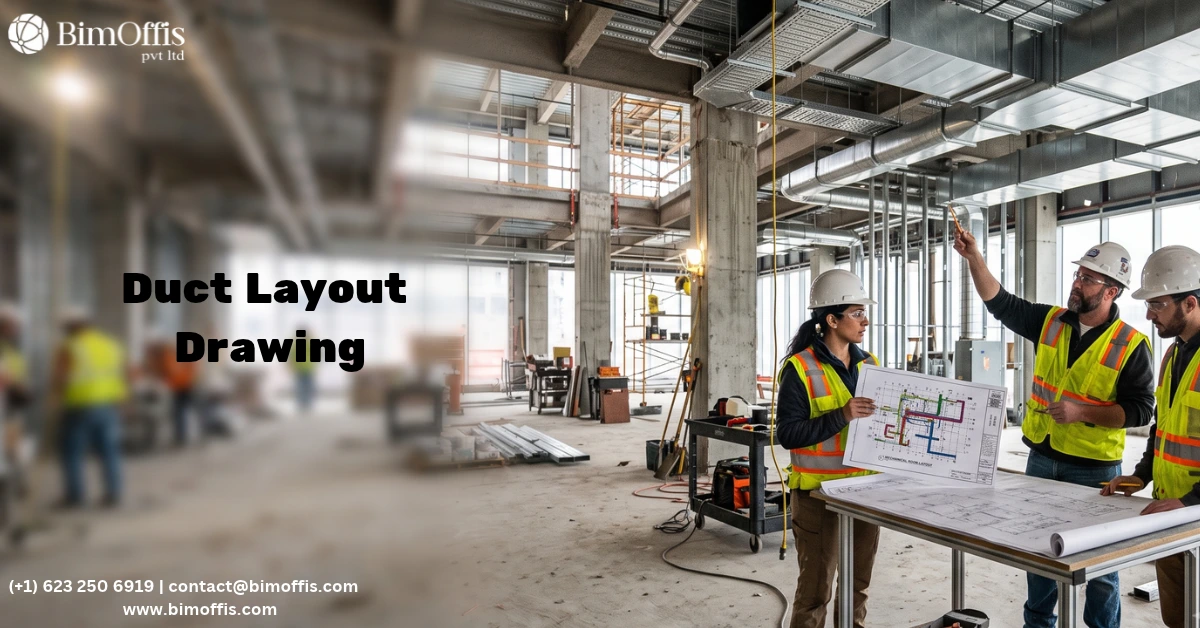
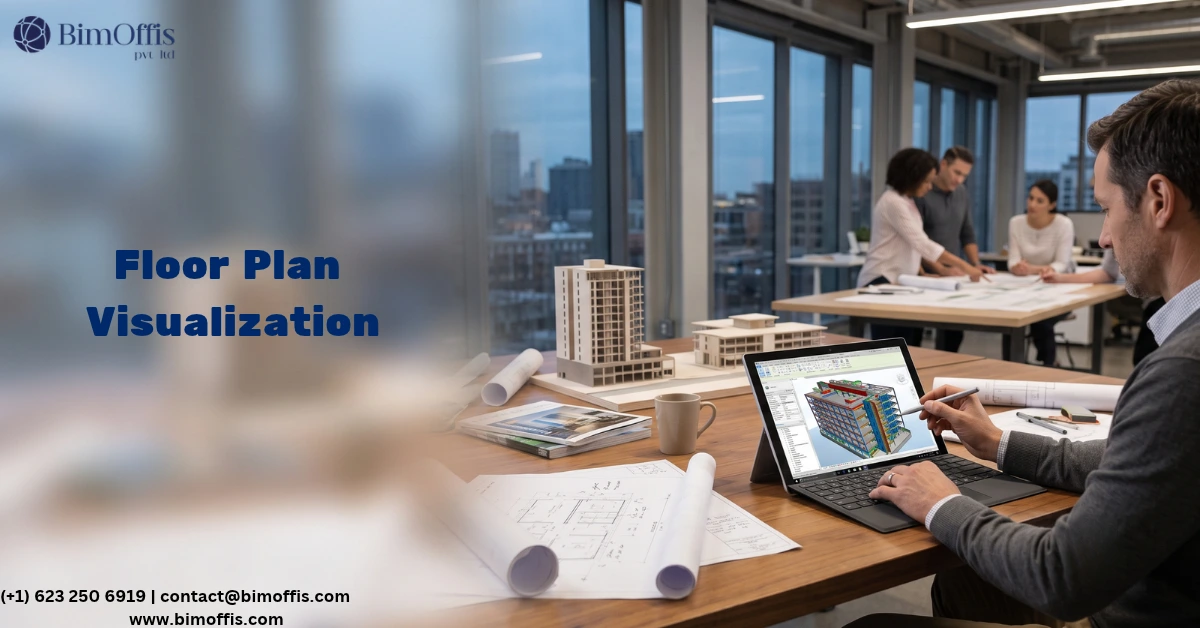
In addition, BIM With Revit simplifies documentation by automatically generating floor plans, elevations, schedules, and construction drawings from the model.
Benefits of Using BIM with Revit
One of the biggest advantages of combining BIM processes with Revit is better collaboration. Designers, engineers, and contractors can access updated project information, reducing communication gaps and improving coordination.
The software also delivers high-quality 3D visualizations that help clients understand the project before construction begins. Better visualization often leads to quicker approvals and fewer design revisions.
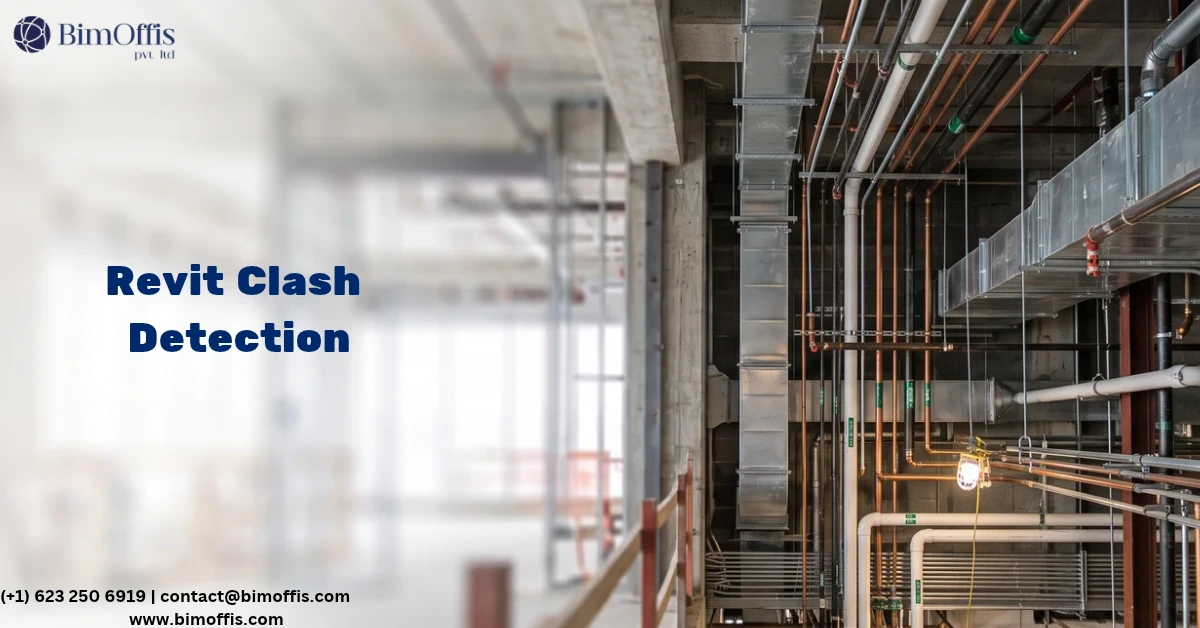
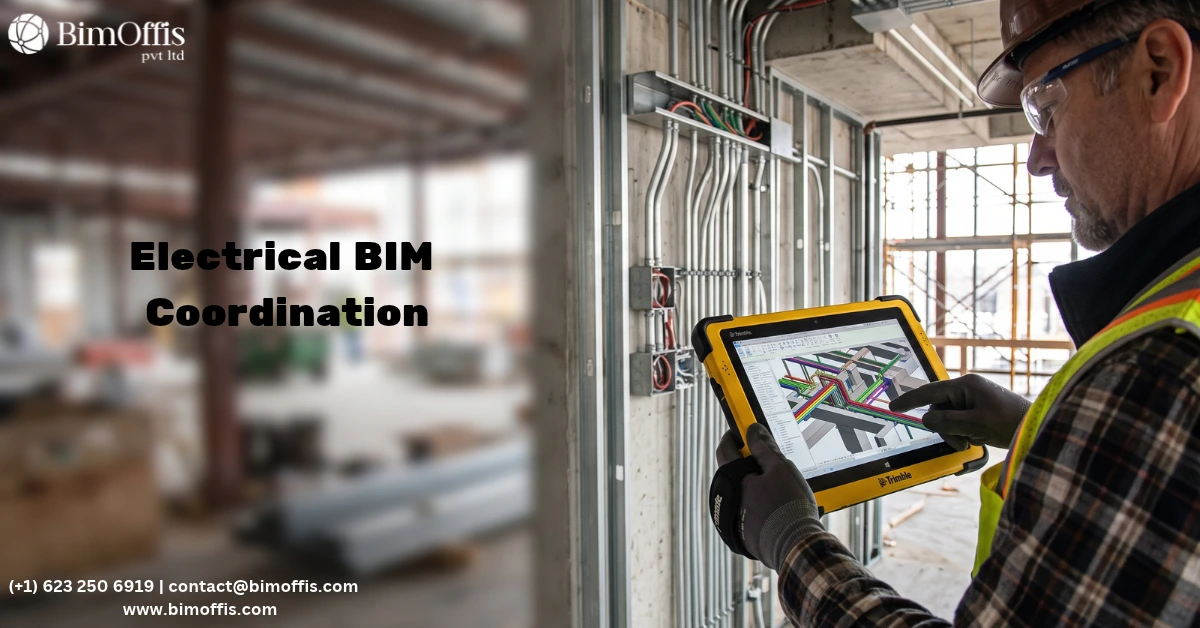
Another important benefit is improved project management. Clash detection allows teams to identify conflicts between architectural, structural, and MEP systems before construction starts, reducing costly site changes.
Accurate quantity takeoffs generated directly from the model help improve budgeting and material planning. Construction sequencing and project scheduling also become more efficient, saving both time and resources.
Revit integrates with several engineering and analysis applications, making data exchange smoother across different project teams. It also supports energy analysis, allowing professionals to evaluate building performance and improve sustainability during the design stage.
Future Trends in BIM and Revit
Digital construction continues to evolve with advancements in automation, artificial intelligence, and cloud collaboration. These technologies are making project delivery faster while improving accuracy and communication across distributed teams.
As projects become more complex, Revit continues to expand its capabilities, helping professionals create smarter, more connected building models that support the entire project lifecycle.
Successfully Adopting Revit-Based BIM
Implementing a BIM workflow requires more than installing software. Organizations should establish clear standards, provide employee training, and encourage collaboration across disciplines.
Although the transition may require time and planning, consistent workflows and proper guidance help teams realize long-term improvements in productivity, quality, and project delivery.
Conclusion
Building Information Modeling continues to transform the construction industry by improving collaboration, visualization, documentation, and project coordination. Revit enhances these capabilities through intelligent modeling, automated documentation, and efficient teamwork. Organizations that adopt these digital workflows can reduce errors, improve project outcomes, and deliver higher-quality buildings with greater confidence.
Enhance your BIM workflow by consulting our Revit BIM specialists for accurate, coordinated project models.
Frequently Asked Questions from Clients
What is BIM with Revit?
It combines BIM workflows with Revit software to create intelligent 3D building models.
Why is Revit preferred for BIM projects?
Revit improves collaboration, accuracy, and coordinated project documentation.
How does BIM with Revit reduce project errors?
It detects clashes early and keeps all project data synchronized.
Which industries use BIM with Revit?
Architecture, engineering, construction, and facility management.
Can Revit improve project collaboration?
Yes, it enables multiple teams to work on the same model efficiently.
What are the main benefits of using BIM with Revit?
Improved accuracy, faster documentation, better coordination, and reduced rework.