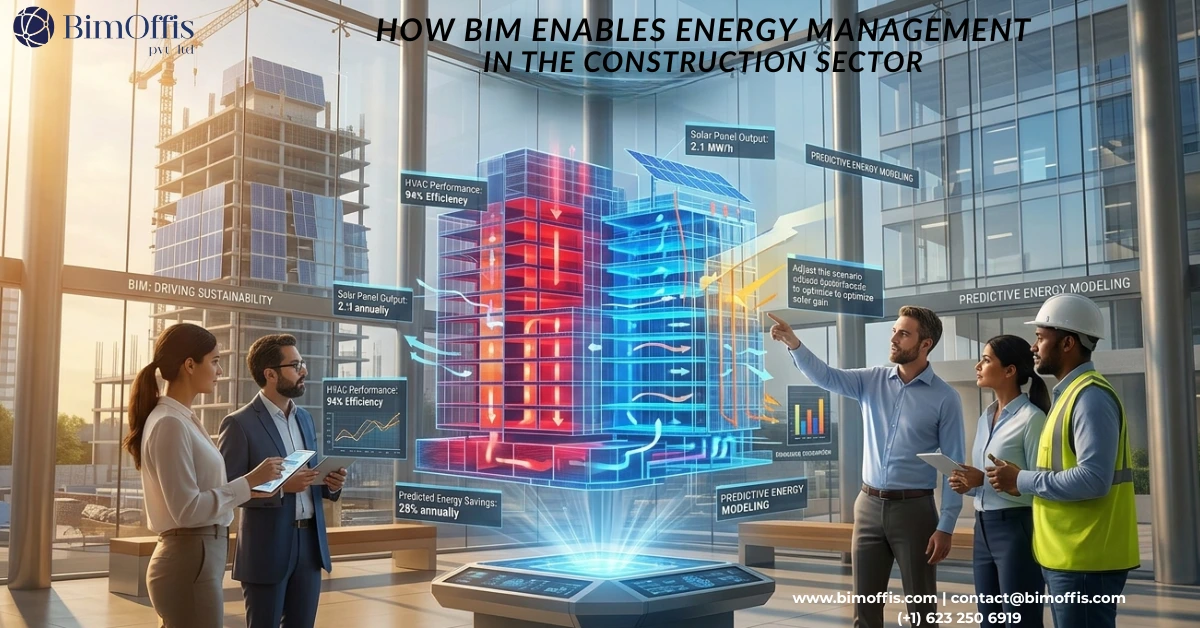
Most conversations about energy efficiency in construction jump straight to materials and systems, better insulation, smarter HVAC, and renewable energy sources. Those things matter, but they’re often solutions to problems that were created much earlier in the process, sometimes years before construction even began. BIM energy management addresses this differently; it brings energy thinking into the project from day one, connecting design decisions to real-world performance before anything gets built.
That’s the part BIM addresses. Not by replacing good engineering judgment, but by giving the people making decisions a much clearer picture of what they’re actually deciding.
Here’s how that plays out across a building’s life.
The Four Stages Worth Understanding
A building’s total energy impact doesn’t sit in one place. It spreads across four stages: design, construction, operation, and end-of-life, and what happens in each one affects all the others.
Most energy discussions focus on operations, because that’s where the utility bills show up. But by the time a building is occupied, many of the decisions that determine its energy performance have already been locked in. That’s why the design stage matters so much and why BIM’s ability to connect all four stages is more useful than any single simulation tool on its own.
Stage 1 – Design: Fix Problems Before They Get Expensive
There’s an old saying in construction: the cheapest change is the one you make on paper. In BIM terms, that means catching performance problems in the model before they become site problems.
Design teams can run solar analyses, test thermal behaviour across seasons, and stress-test M&E system configurations all within the same 3D model. That’s not new, but what BIM changes is the speed and the coordination. When architects, structural engineers, and MEP consultants are all working from a shared model rather than trading drawings back and forth, the feedback loop gets shorter. Problems surface earlier. Decisions get made with better information.
It also makes the business case for energy efficiency easier to present. BIM’s quantification tools link design choices directly to construction costs and projected running costs, so when a client asks whether the more efficient facade is worth the premium, you can show them the numbers rather than estimate them.
This is central to how BimOffis approaches projects. Our MEPF BIM and Revit Family Creation work is built around getting the energy-related systems right in the model from the start because accurate data at the design stage is what makes every downstream analysis worth trusting.
Stage 2 – Construction: Less Rework, Less Waste
Construction waste is an energy problem that rarely gets measured properly. Every delivery that arrives at the wrong time, every component that gets cut twice because of a clash nobody caught, every amendment that could have been avoided with better coordination, all of it costs energy, materials, and money.
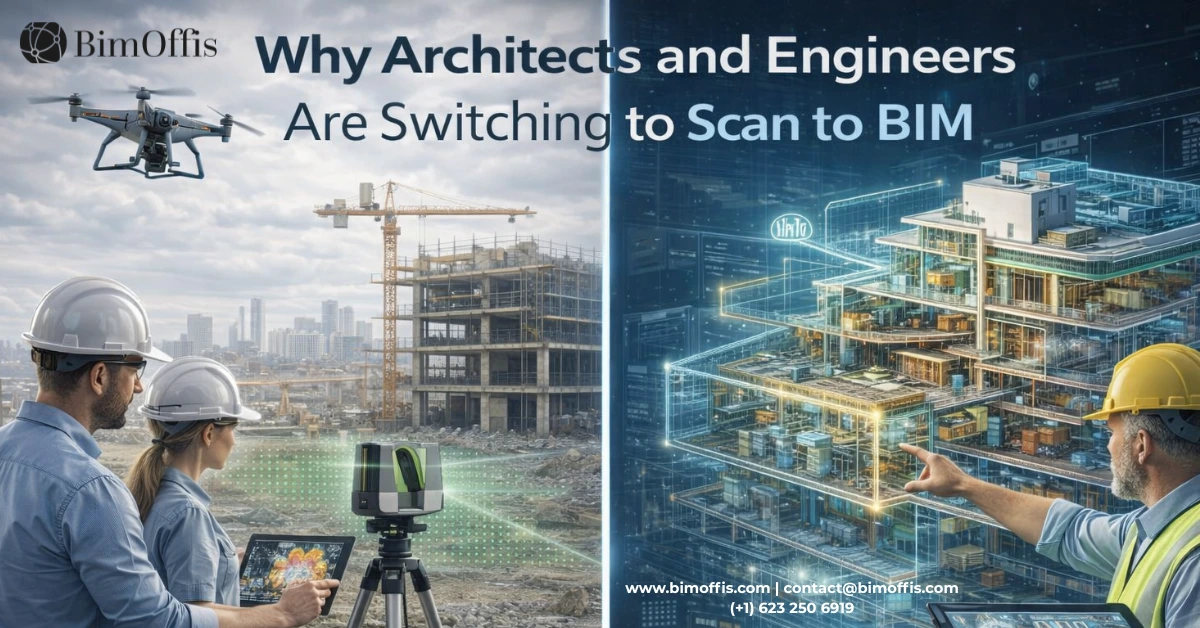
BIM’s 4D scheduling tools let project managers sequence work properly and plan deliveries more tightly. Clash detection means fewer surprises on site. And for existing buildings, our Scan to BIM service adds something that no amount of old drawings can replicate: a precise digital record of what’s actually there. On retrofit and refurbishment projects, especially, that distinction between “what the drawings say” and “what’s actually built” is where a lot of budgets quietly disappear.
Prefabrication also becomes more practical when the model is accurate. Components manufactured off-site to exact BIM dimensions arrive ready to install, with fewer adjustments, less material waste, and faster programme.
Stage 3 – Operation: Where Most of the Energy Is Actually Spent
A well-designed, well-built building can still perform badly if nobody pays attention once the occupants move in. Operational energy, heating, cooling, lighting, and ventilation typically account for the vast majority of a building’s lifetime energy use. Over a 50-year lifespan, it dwarfs everything that came before it.
This is where keeping the BIM model current and connected to the building’s management systems pays off. When sensors, meters, and energy dashboards feed back into the model, performance trends become visible. Anomalies get flagged before they become expensive. Adjustments to HVAC or lighting can be modelled and tested before anyone touches a control.
The EU Energy Roadmap 2050 specifically identifies BIM as one of the key technologies for reducing carbon in the built environment, and this operational phase is a big part of why.
Stage 4 – Retrofit and End of Life: The Case for Reuse
There’s already an enormous amount of building stock in existence. The most sustainable thing you can do with most of it is improve it rather than replace it, but that argument only lands if you can back it up with credible data.
BIM makes that possible. By modelling an existing building, mapping its current performance, and running simulations on proposed improvements, you can put real numbers behind a retrofit proposal instead of relying on estimates. Carbon data for materials in the form of Environmental Product Declarations can be embedded directly in the model, giving everyone in the supply chain visibility of the lifecycle picture.
Looking further ahead, AI tools will increasingly help BIM models plan for future changes of use, designing adaptability in from the start rather than treating every change as a partial demolition. Given the carbon cost of new builds, that flexibility is going to matter more, not less.
One Thing Worth Being Honest About
BIM doesn’t guarantee good outcomes. It’s a tool. The model is only as useful as the information that goes into it, and only as valuable as the decisions that come out of it.
What it does is give experienced professionals a better basis for making those decisions more quickly, with more confidence, and with a clearer line from design intent to built reality. The technology has been around long enough now that “we don’t use BIM” is increasingly a choice, not a constraint. The question is whether the people using it are getting the most out of it.
That’s something BimOffis thinks about on every project we work on.
Frequently Asked Questions from Clients
How much does Scan to BIM cost?
Scan to BIM costs vary based on project size, complexity, and LOD requirements. Pricing depends on scan data volume, discipline (architecture, structure, MEP), and delivery timeline. Contact experts for a custom, accurate BIM conversion quote.
How does Point Cloud to BIM work?
Point Cloud to BIM converts millions of scanned data points into intelligent BIM models. This enables clash detection, quantity take-offs, and better project planning with minimal manual effort.
Can Scan to Revit improve project efficiency?
Yes. Scan to Revit converts laser scans into parametric Revit BIM models, reducing errors, accelerating workflows, and supporting better coordination across all project teams.
Can scanned PDFs be converted into BIM models?
Yes. Even scanned PDFs, blueprints, and existing documents can be processed into detailed 3D point clouds and converted into BIM models.
How long does 3D Scan to BIM take?
Delivery depends on project size and complexity, but optimized workflows ensure fast, accurate BIM models ready for Revit or other BIM platforms.
Can I request a quote for Point Cloud to BIM services?
Yes. Share your scanned data or point clouds, and receive a fast, tailored quote based on complexity, scope, and desired BIM LOD.